Category: Troubleshooting Guides

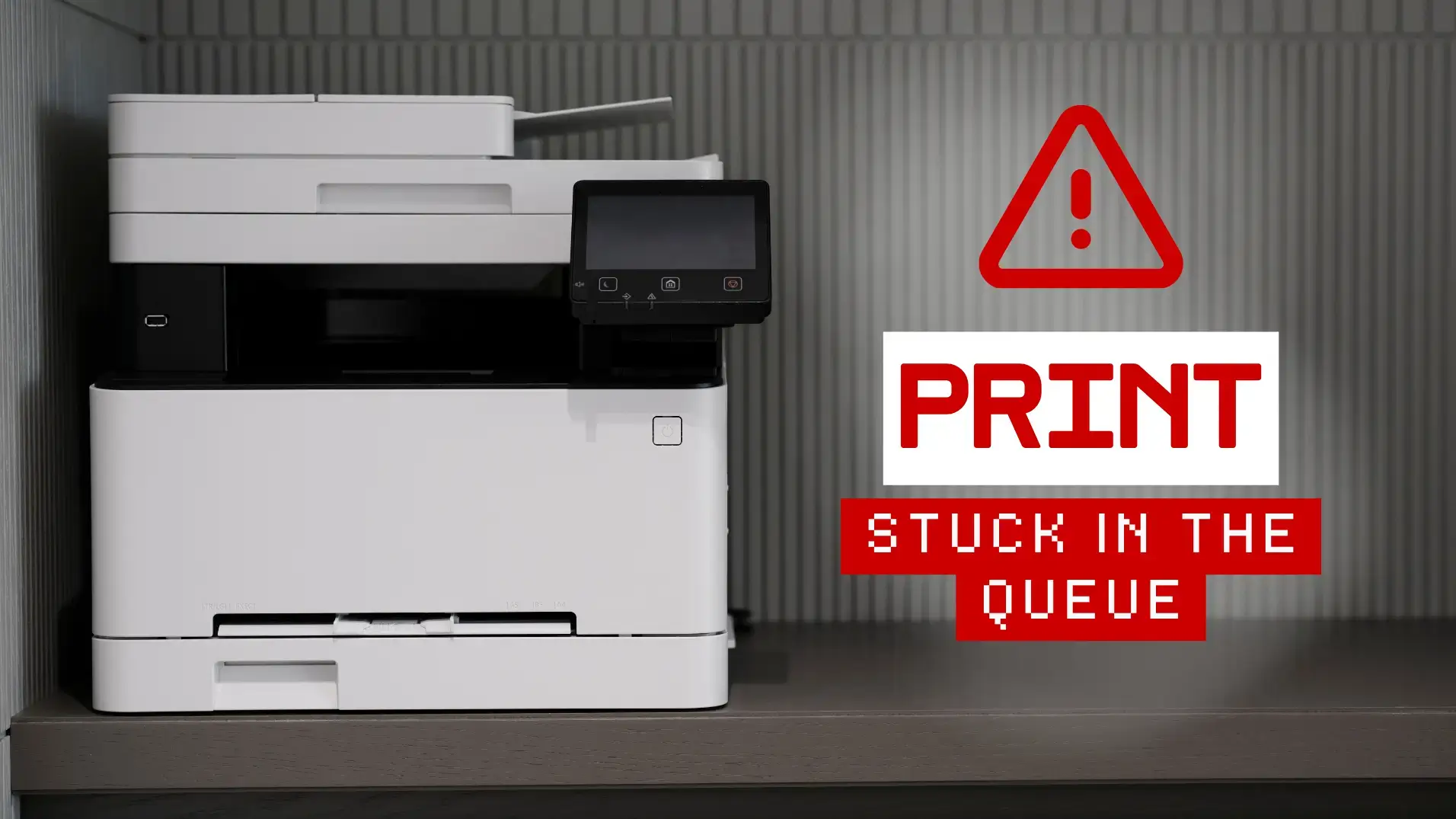
Print Job Stuck in the Queue? How to Clear It and Keep It From Happening

Print Job Stuck in the Queue? How to Clear It and Keep It From Happening

HBM | May 13, 2026

When a print job gets stuck in the queue, it can tie up more than one document. You can’t print the file you need, but you also may not be able to cancel it cleanly enough to free the printer…

READ MORE


How to Fix a Printer That Says Offline (Office Troubleshooting Guide)

How to Fix a Printer That Says Offline (Office Troubleshooting Guide)

HBM | April 16, 2026

A “printer offline” message is one of the most frustrating printer issues because it often appears when the device seems ready. There are no obvious error lights, the display looks normal, and the network appears connected, but print jobs still…

READ MORE
Why Is My Printer Printing Lines? How to Fix Streaks, Bands, and Marks

Why Is My Printer Printing Lines? How to Fix Streaks, Bands, and Marks

HBM | March 10, 2026

For busy offices, printer lines and streaks tend to show up at the worst possible time, right before a meeting, invoice run, or deadline. The good news is that most “printer printing lines” problems come from a short list of…

READ MORE
How to Set Up a Network Printer in an Office (Windows-friendly checklist)

How to Set Up a Network Printer in an Office (Windows-friendly checklist)

HBM | March 3, 2026

Why Office Printer Setup Feels Harder Now Setting up a printer at home can be simple. Plug it in, connect to Wi Fi, and print. Office setups are different. You are dealing with multiple users, shared devices, network rules, and…

READ MORE