HBM | January 14, 2026
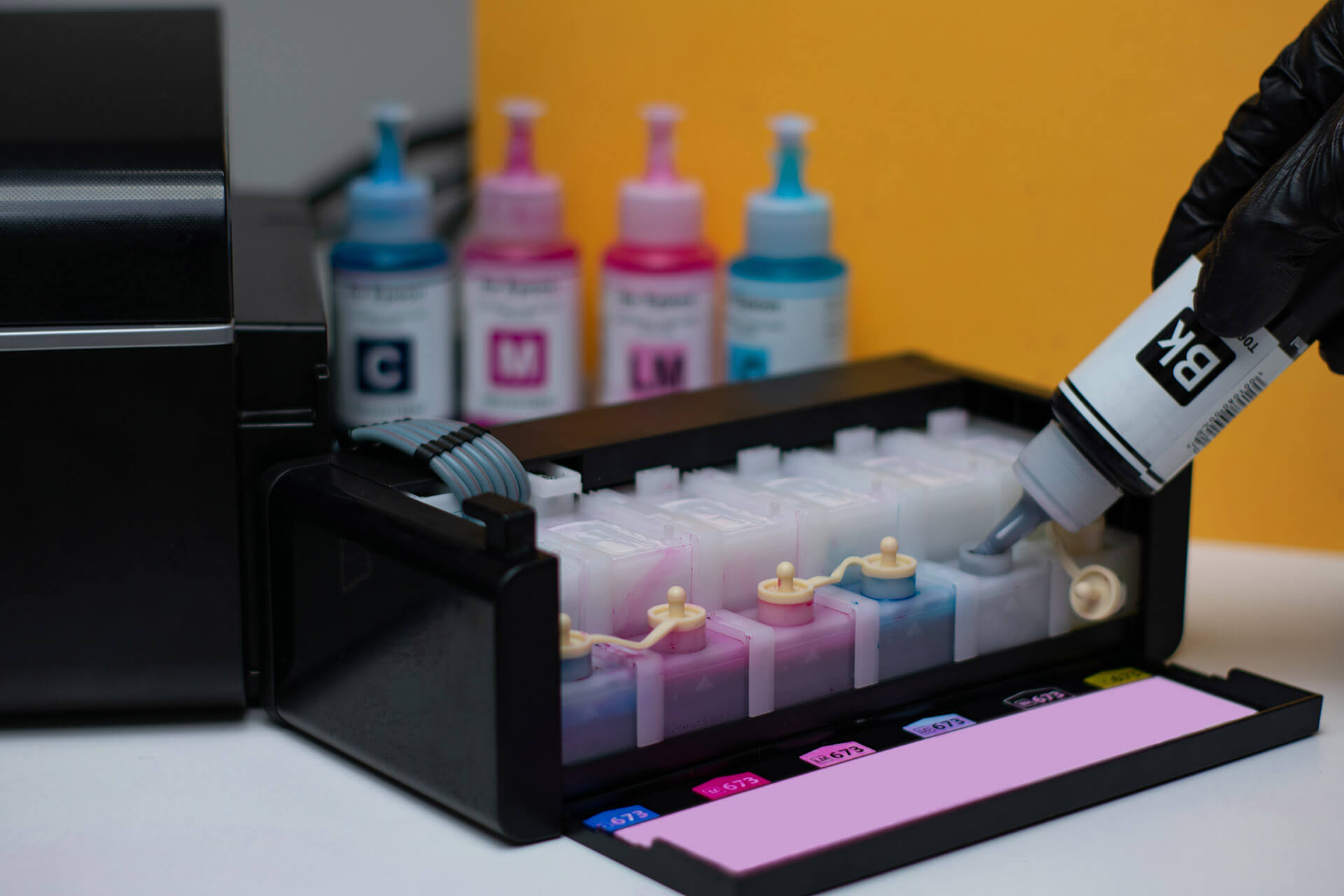
Ink tank printers are everywhere right now. They show up in ads, comparison videos, and Amazon bestseller lists. From the Epson ink tank printer to the HP ink tank printer, the promise is always the same: fewer refills, lower printing costs, and a simple refillable ink setup that looks like the future of office printing.
It is easy to understand why businesses are tempted. A refillable ink printer that claims to last for thousands of pages before running dry feels like the kind of upgrade that should save time and money.
QUICK TAKE:
Ink tank printers offer great value in the right situations, but they are not always the best match for business-level printing.
Now let’s take a closer look at what an ink tank printer is, why it became so popular, and when it’s a smart buy.
What Is an Ink Tank Printer?
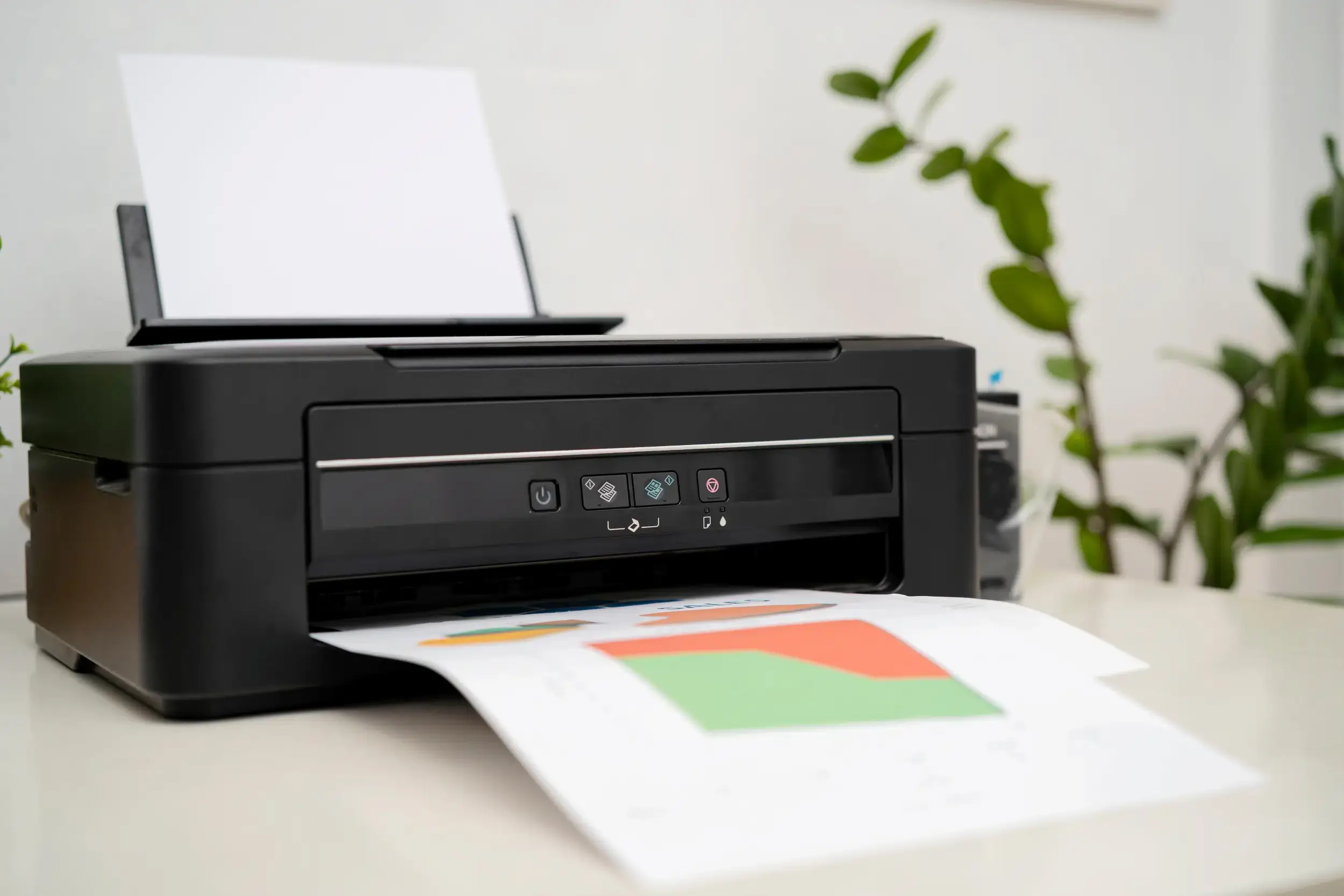
An ink tank printer is a type of inkjet printer that uses large, built-in reservoirs of liquid ink instead of traditional cartridges. You refill the tanks with bottled ink, which is why these models are often called refillable ink printers or cartridge-free printers.
If you are used to snapping in small plastic cartridges, the difference is pretty dramatic. A printer with an ink tank holds far more ink at once, which means fewer interruptions, fewer purchases, and a much lower cost per page. The idea is simple. Instead of replacing the entire cartridge every time you run low, you pour more ink into the tank and keep printing.
Ink tank printers still rely on the same printhead technology found in regular inkjet printers. The main change is how the ink is stored and delivered. This is what allows many models to advertise thousands of pages of printing before the first refill is needed.
Why Ink Tank Printers Became So Popular
Ink tank printers gained attention quickly, especially among home users and small teams, because they solved one of the biggest frustrations with traditional inkjet printers: the constant need to buy expensive cartridges. For businesses watching operational costs closely, that messaging is appealing.
Here are the main reasons ink tank printers became so popular:
- Lower Cost Per Page: The biggest selling point is the promise of cheaper printing. Bottled ink costs far less per milliliter than cartridges, so the cost per page can look extremely attractive for low volume environments.
- Eco-Friendly Appeal: Marketing often focuses on reduced plastic waste since there are no disposable cartridges to throw away. For companies prioritizing sustainability, this makes ink tank systems seem like a greener option.
- Great for Home Offices and Solo Users: Ink tank printers perform well when demand is light. They handle occasional printing without frequent refills or the frustration of cartridges drying out, which made them a favorite during the rise of remote work.
- Less Frequent Refills: The large reservoirs hold significantly more ink, so users can go months before topping them off. For anyone used to running out of ink at the worst possible moment, that convenience is a major plus.
The Downsides Most People Don’t Know About
Cartridge-free printers undeniably sound appealing, but the technology that makes them possible only works within an inkjet system. That limitation matters because inkjet platforms come with performance and durability constraints that are hard to overcome in a busy office. Here are the drawbacks that often get overlooked.
1. Not Built for Business Volume
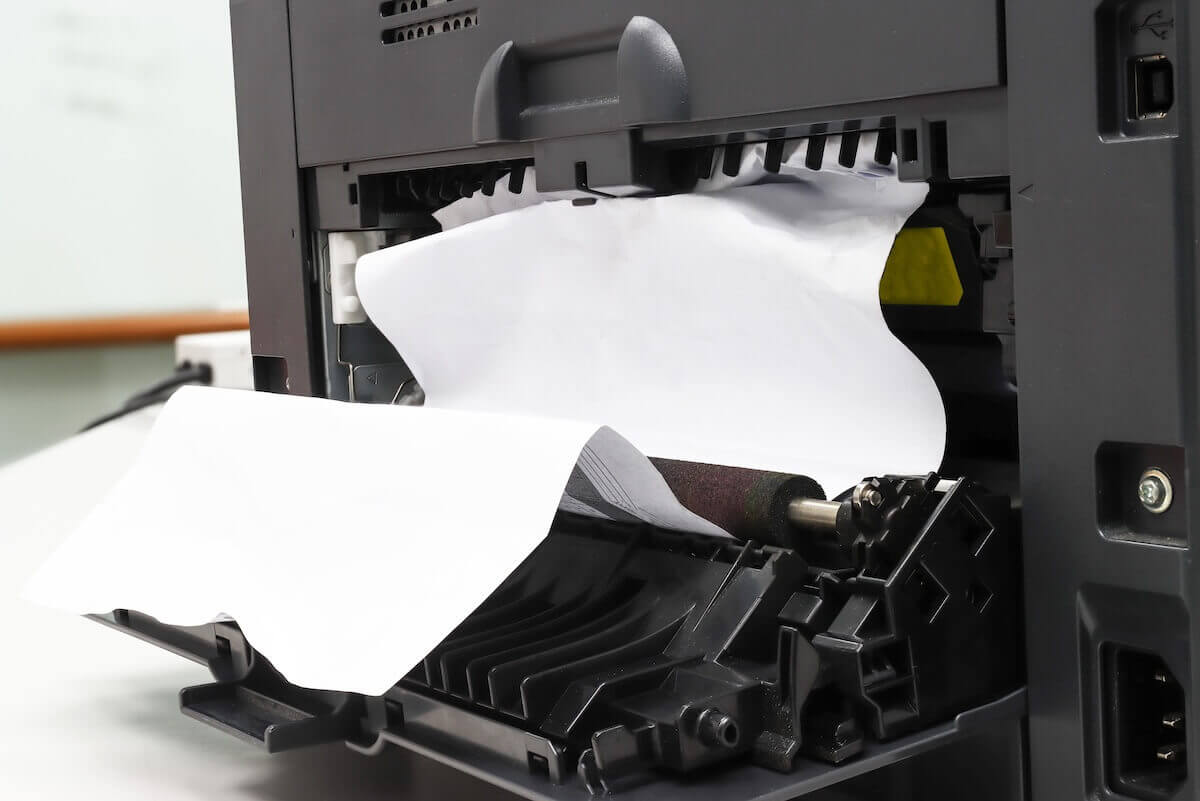
Ink tanks can hold plenty of ink, but the print engine behind them is still inkjet based. Inkjet printheads are not engineered for the high-speed, high-volume workloads common in offices. Continuous use leads to heat stress, clogs, alignment issues, and printhead fatigue. Laser printers are designed for these demands and consistently outperform inkjet systems in durability, speed, and long-term reliability.
2. Slower Overall Speeds
Inkjet technology applies liquid ink directly onto the page, which simply takes more time. For teams printing packets, forms, or multi-page documents, those delays add up quickly across multiple users. Laser printers use a dry toner process that is built for fast, predictable output.
3. Refills Can Be Messy
Bottled ink keeps operating costs low, but refilling the tanks comes with risks. A small spill can reach internal components, stain rollers, or contaminate the print mechanism. Cleanup is difficult, and repairs can be costly.
4. Limited Security Features
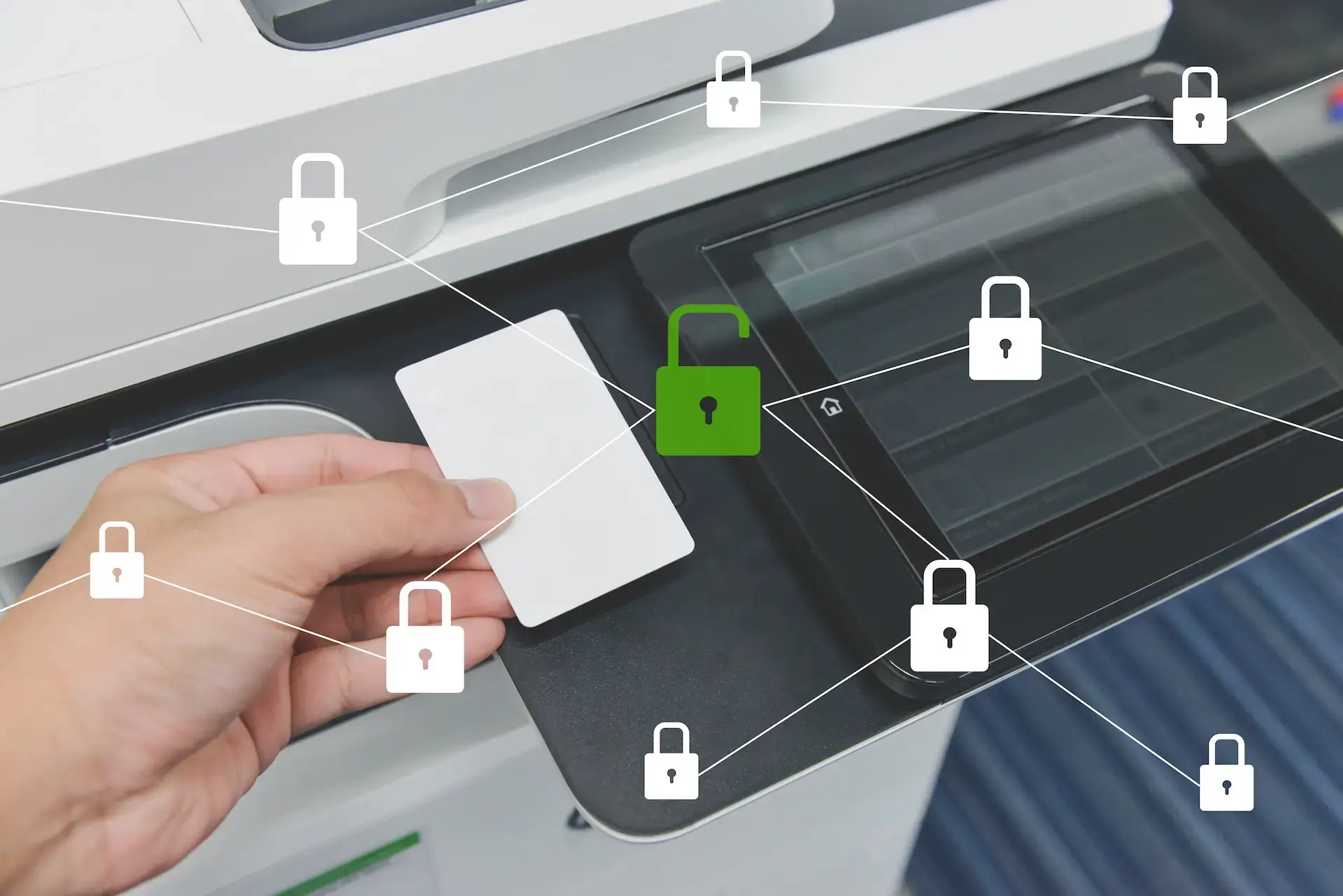
Most ink tank models are designed for homes or small offices and do not include enterprise-level protections. There is limited firmware security, no encryption, and very little support for secure-print workflows. For industries handling sensitive information such as healthcare, legal, finance, or HR, this is a serious vulnerability.
5. Not Compatible With Managed Print Services
Ink tank printers cannot be monitored or managed as part of a print fleet. They lack the reporting and remote diagnostic tools that Managed Print Services rely on. Without that visibility, businesses can experience unpredictable downtime, supply surprises, and unclear true printing costs.
Ink Tank vs Laser Printers: Which Is Better for Business?
Here is a simple side-by-side look at how ink tank printers stack up against typical business laser systems in the areas that matter most to busy offices.
| Feature | Ink Tank | Business Laser Printer |
| Cost per page | Low | Low/Moderate |
| Print speed | Slow | Fast |
| Durability | Low | High |
| Color accuracy | Good | Excellent |
| Ideal for | Home users | Offices / Enterprise |
| Security | Limited | High |
| Integrations | None | Extensive (DMS, workflows, scanning apps) |
Can the Cost Savings Make Up for the Drawbacks?
For most businesses, the answer is no. Lower ink costs are attractive on paper, but they rarely outweigh the impact of slower print speeds, limited security, weaker durability, and the lack of workflow integrations. When a printer becomes a bottleneck or requires more hands-on management, the productivity loss often exceeds any savings from refillable ink.
In short, ink tank printers reduce supply costs, but they introduce operational friction that most workplaces cannot absorb.
When an Ink Tank Printer Can Make Sense
Although ink tank printers are not built for heavy office workloads, there are scenarios where they offer solid value. The key is matching the device to the level of printing you actually do.
- Very Low Volume Printing: If your team prints only a few pages a day or goes long stretches without printing at all, an ink tank model can be a budget-friendly solution. The refillable ink does not dry out as quickly as cartridges, which makes them suitable for occasional use.
- Home Offices or Single Users: For remote staff or solo workspaces, the simplicity and low operating cost can be appealing. One person using the printer at a steady, light pace avoids many of the durability issues that appear in multi-user environments.
- Creative or Color-Heavy Projects: Some ink tank printers produce vibrant color at a low cost per page, which can work well for artists, teachers, or freelancers who need quality prints without investing in larger equipment.
- Supplemental or Backup Use: If your main business printer is a laser device, an ink tank model can serve as a small backup for simple jobs. This keeps the primary machine free for high-volume tasks.
These use cases share a common theme. Ink tank printers work best when printing is infrequent, individual, or low-pressure. Once you introduce multiple users, sensitive documents, or higher volume, the limitations become harder to overlook.
Why Laser MFPs Continue to Be the Gold Standard for Business
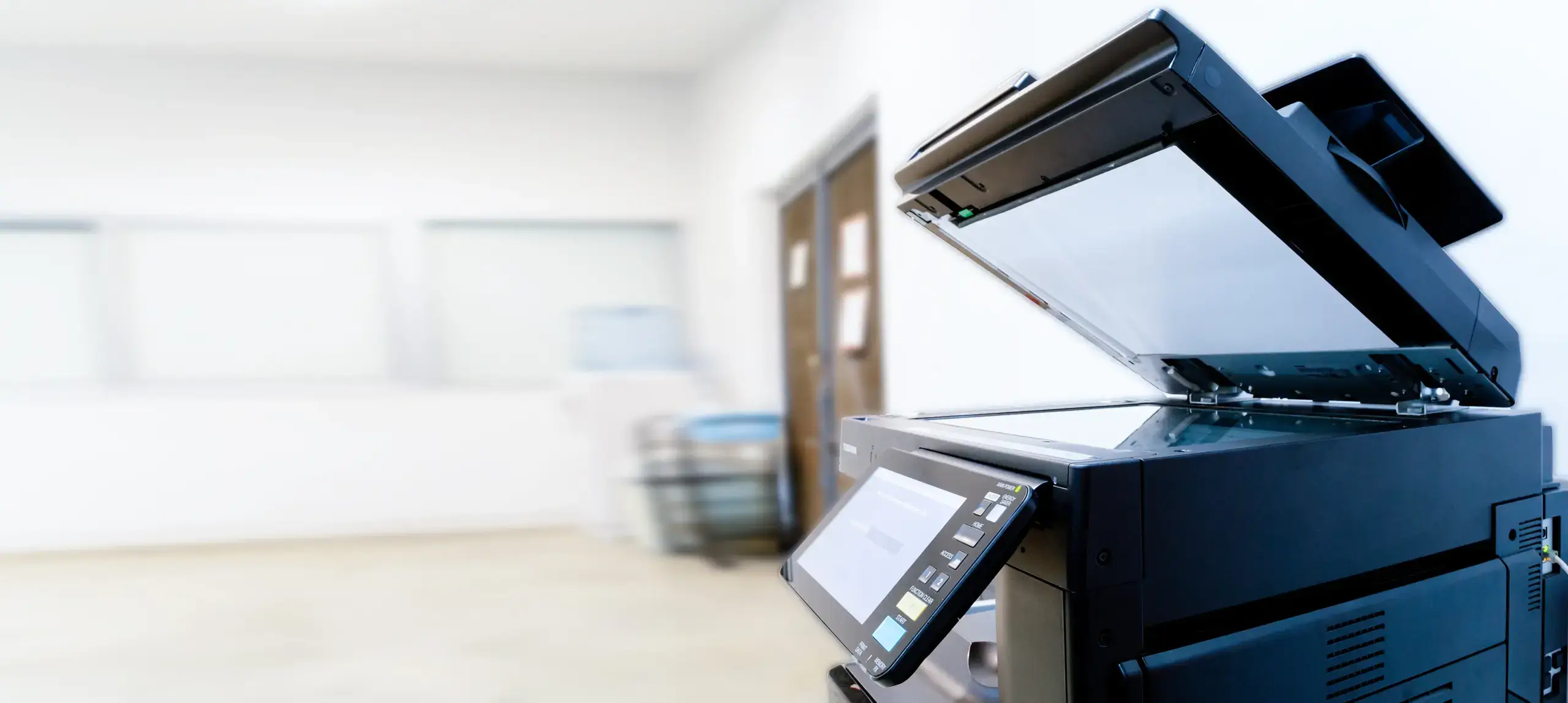
Modern laser multifunction printers remain the preferred choice for most offices because they are engineered for speed, durability, and security at scale. Brands like Canon, Toshiba, Kyocera, and Konica Minolta build their devices around heavy-duty print engines that handle high monthly volumes while maintaining sharp text, fast output, and consistent performance across multiple users. These systems also support advanced workflow tools, secure-print features, user authentication, and strong firmware protections that are essential for businesses handling sensitive information.
Despite their power, today’s laser MFPs are designed to be cost-efficient and environmentally responsible. Many models carry ENERGY STAR certification or EPEAT Gold ratings, and they include features that reduce toner consumption, lower energy use, and streamline document management. Duplex defaults, optimized sleep modes, efficient fusing technology, and long-life components help control operating costs without sacrificing quality. For most businesses, this combination of reliability, security, and built-in efficiency creates a more sustainable and predictable printing environment than an ink tank system can provide.
Final Recommendation
Ink tank printers can be a smart choice for light, occasional use, but most businesses need the speed, durability, security, and predictable uptime that laser MFPs deliver. If your workflow depends on reliable printing and efficient document management, a business-class device is usually the better long-term investment.
Choosing the right model comes down to your team’s volume, security needs, and daily tasks. Harris Business Machines can help you find a printer that fits your workflow and keeps operations running smoothly.
Related Articles