HBM | March 24, 2026
Why Multifunction Printer Security Matters for Modern Offices
Multifunction printers are no longer just printers. They scan, email, store documents, and connect directly to your network. That convenience comes with risk.
If left unsecured, these devices can become an easy entry point into your business systems or a way for sensitive information to leave your organization without you realizing it.
This guide breaks down the most common multifunction printer security risks, simple fixes you can implement right away, and a practical checklist your office can use to stay protected.
Why Multifunction Printers Create More Security Risk Than Basic Printers
A basic printer simply receives a job and prints it. A multifunction printer does much more.
Today’s MFPs can scan to email, send files to network folders, connect to cloud platforms, and store job history or address books. Many also include web-based admin portals that allow remote configuration.
Each of these features creates another potential access point. If your team is already using scan-to-email workflows, it is important to understand how those connections work and where the data goes. If you need a refresher, you can review our guide on how to scan to email and how that process interacts with your network and email system.
The more connected your device is, the more important it becomes to treat it like any other endpoint on your network.
The Most Common Multifunction Printer Security Vulnerabilities
Most printer security issues are not caused by complex attacks. They come from simple oversights that are easy to miss.
Common vulnerabilities include:
- Default or admin passwords still enabled on the device
- Outdated firmware that has not been patched
- Open ports and services for printing, scanning, or web access
- Devices placed on the wrong network, such as a guest Wi Fi or flat network
- Unrestricted scan destinations where anyone can send documents externally
- Stored data such as job history, cached scans, and address books
These gaps create a real network printer security risk. An unsecured device can expose sensitive business data or provide a pathway into your broader network.
Quick Self Check: Is Your Office Printer Exposed
A quick review can tell you a lot about your current printer security posture. Ask the following:
- Can anyone access the printer’s admin page from a browser
- Is the device still using a default or shared password
- Can anyone walk up and print confidential documents without authentication
- Can users scan to any external email address without restrictions
- Has the firmware been updated in the last 12 months
If you answered yes to more than one of these, your environment likely has gaps that should be addressed.
The 5 Highest Impact Fixes for MFP Security
You do not need to overhaul your entire system to make meaningful improvements. Start with these high-impact fixes:
- Change default admin credentials
Replace shared or default passwords with secure, unique credentials. - Enable user authentication
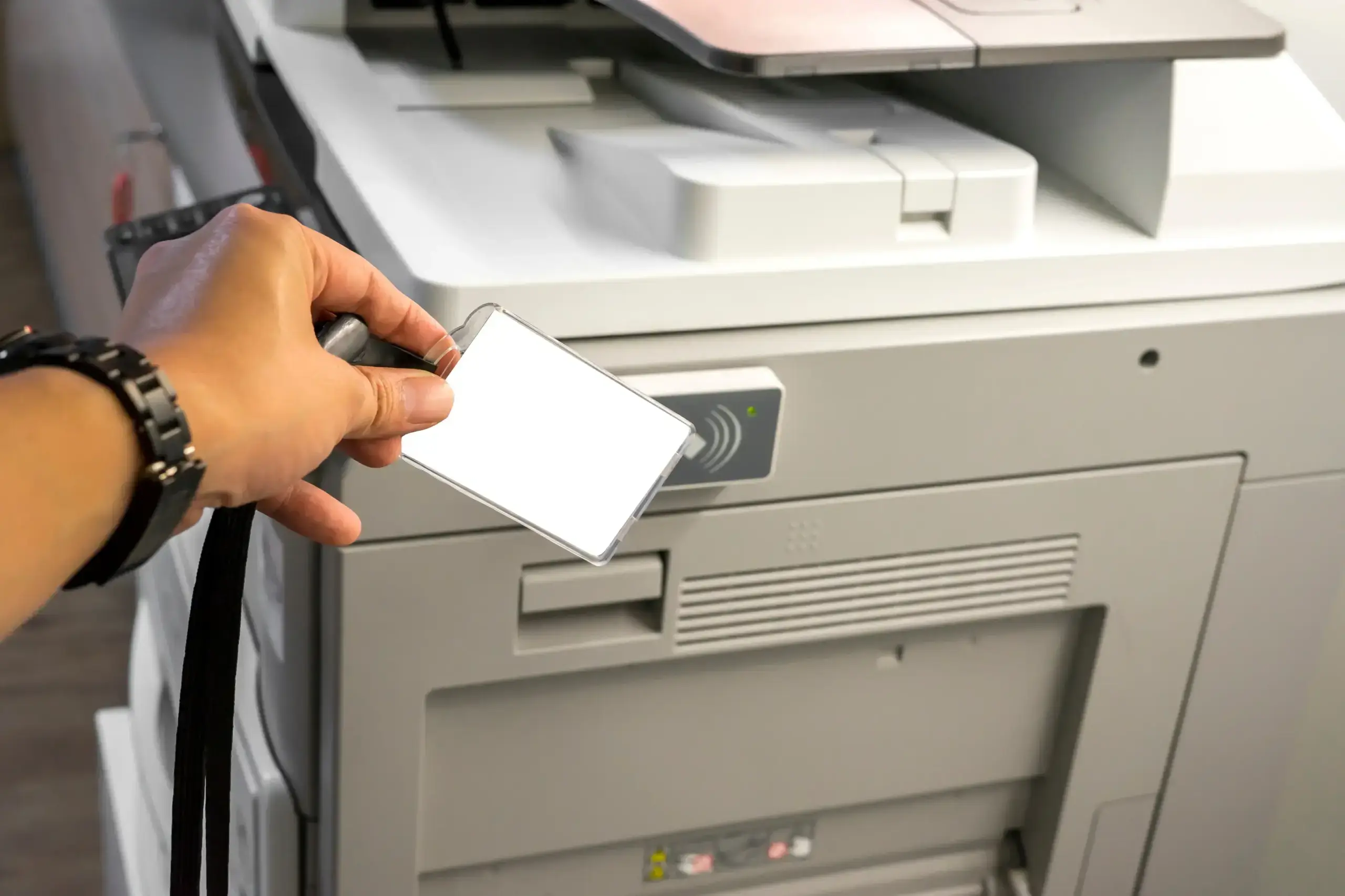
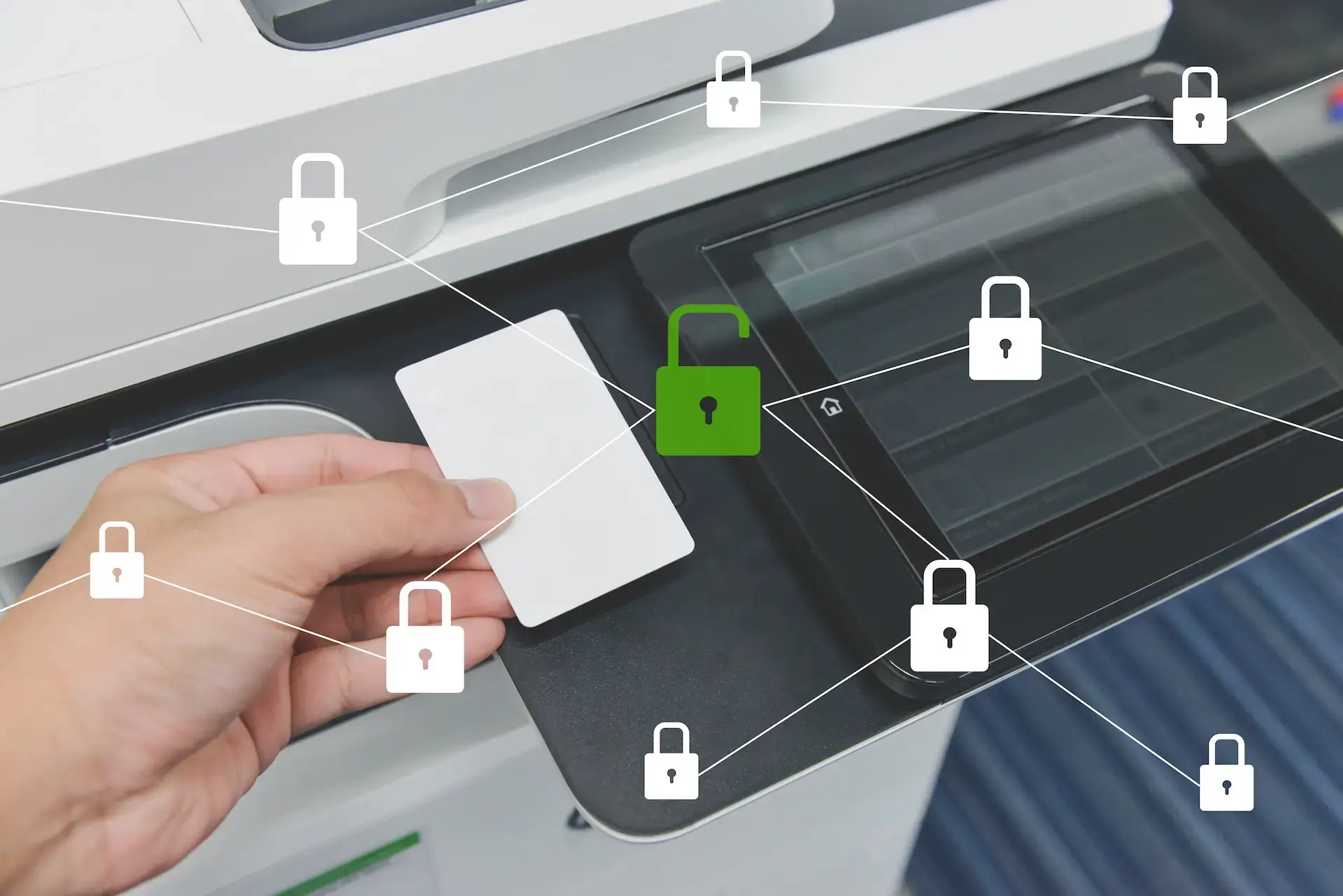
Require a PIN, badge, or directory login before printing or scanning. - Turn on secure print release
Jobs are held until the user is physically at the device, reducing abandoned documents. - Update firmware and disable unused services
Remove unnecessary open services and keep the device current with security updates. - Place MFPs on a managed network segment
Keep printers on a controlled portion of your network instead of a flat or guest network.
Many of these controls are implemented and maintained through Managed Print Services, which help standardize security settings and usage policies across devices.
Secure Printing Best Practices for Offices
Once the basics are in place, the next step is building consistent practices across your team.
- Secure print release ensures documents are only printed when the user is present
- Role based permissions control who can scan to email, folders, or external systems
- Logging and audit trails track how devices are used and where documents go
- Retention and wipe policies prevent sensitive data from lingering on devices
For organizations handling sensitive information, pairing printer controls with Document Management Systems adds another layer of protection. Instead of sending files through email, documents can be captured, stored, and accessed securely with proper controls.
What to Do If You Suspect Printer Hacking or Unauthorized Access
If something seems off, such as unexpected scan activity or unknown destinations, act quickly.
- Disconnect or isolate the device from the network
- Change all admin credentials immediately
- Review the address book and scan destinations for unfamiliar entries
- Check available logs to identify unusual activity
- Contact your IT team or service provider
In many cases, printer issues are not security-related. If you are troubleshooting general device behavior, it can also help to review common issues like printer driver unavailable errors to rule out configuration problems before assuming a breach.
How Managed Security and Print Management Prevent Repeat Issues
Fixing one issue is helpful. Preventing them from happening again is where most businesses see real value.
With the right approach, printer security becomes part of your overall network strategy. This includes:
- Ongoing firmware updates and patching
- Monitoring for unusual activity or access attempts
- Enforcing consistent access controls and policies
- Standardizing devices and configurations across locations
Services like Device and Network Security help secure printers on your network as part of a larger security framework, while Network and Device Management provides ongoing monitoring and management to keep systems running securely over time.
Improve Multifunction Printer Security Across Your Office Network
If your team relies on multifunction printers every day, security should not be an afterthought. A few simple changes can significantly reduce risk, and a structured approach can eliminate it altogether.
If you want help securing multifunction printers across your network, Harris Business Machines can assess your environment and implement practical controls through Device and Network Security and Network and Device Management services.
Related Articles