HBM | March 3, 2026
It only takes one moment for a document to become a problem: payroll details left on the output tray, a patient form printed in the wrong office, a contract picked up by the wrong person because two teams share the same device. Most businesses don’t think about printing security until something awkward happens.
Secure print is one of the simplest ways to prevent that. It is designed for shared printers and copiers, hybrid offices, and any workplace where sensitive pages should not sit unattended. This guide explains secure print in plain language, shows common setup options, and helps you decide if it is worth turning on.
What “Secure Print” Means
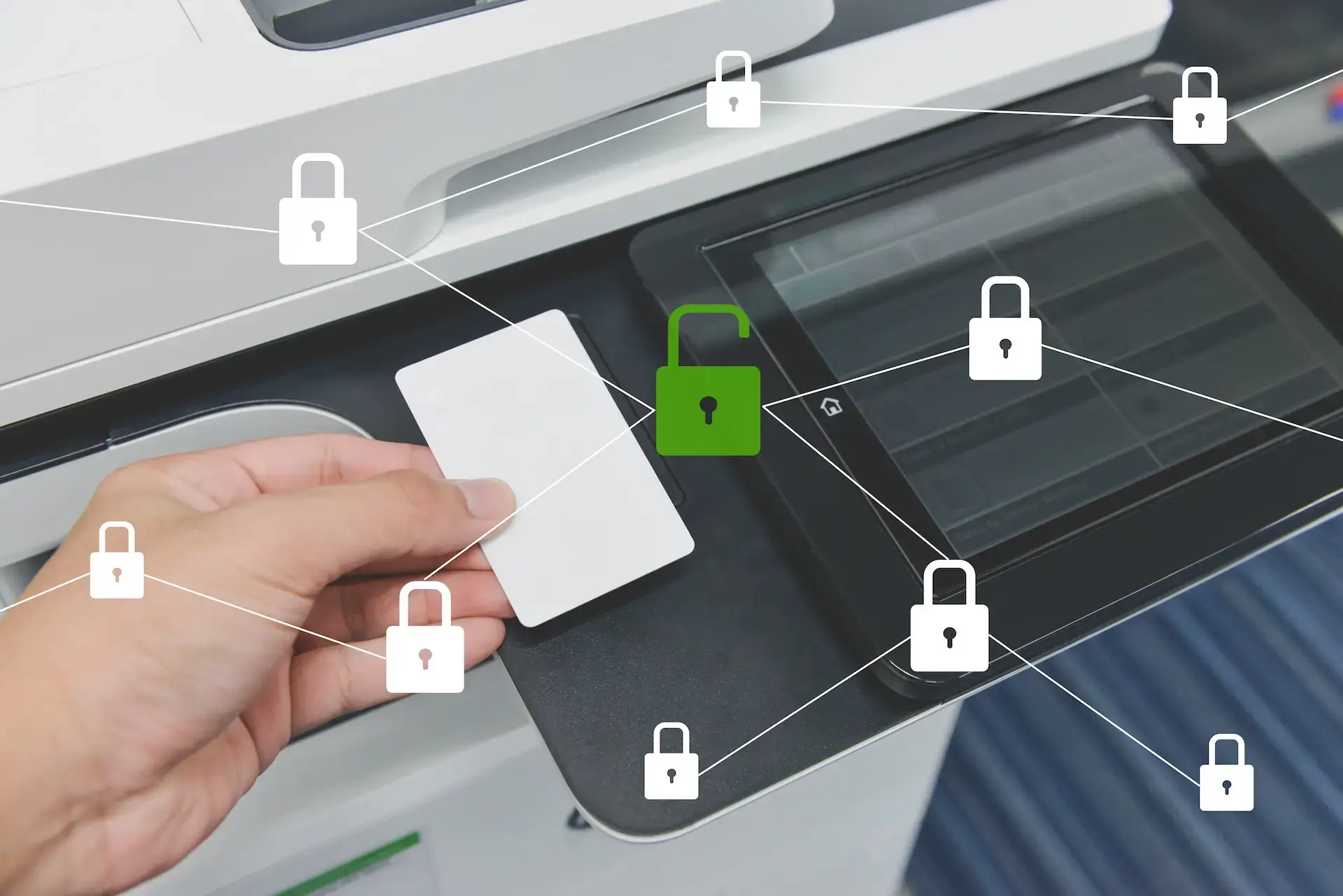
Secure print is a feature that holds a print job until the right person is physically at the device to release it. Instead of printing immediately, the document waits in a secure queue. The user then authenticates at the printer and releases the job. This is often called secure print release, pull printing, or follow-me printing.
Authentication can be simple, like entering a PIN, or more advanced, like using an ID badge, username and password, or secure printing software that ties into your existing user accounts. The goal is the same either way. Only the intended user can print the document, and it only prints when they are there to pick it up.
What Problems Secure Print Solves
Secure print is not just a privacy feature. It also fixes a handful of everyday printing headaches that waste time and create risk.
- Prevents documents from sitting in output trays where anyone can see or grab them.
- Reduces accidental pickups when multiple people print at once.
- Cuts waste from abandoned print jobs that get printed and left behind.
- Creates accountability by tying jobs to users, which helps reduce “who printed this” confusion.
- Supports reporting and cost control through usage tracking, including the ability to pull a basic print report when needed.
- Improves consistency in shared environments, especially in hybrid offices, coworking spaces, and front-desk areas.
Do You Need Secure Print? A Quick Decision Guide
Secure print is worth considering if any of these are true in your workplace:
- Multiple people share the same printer or copier, especially in open office layouts.
- You print anything sensitive, like payroll, HR paperwork, medical forms, financial documents, or legal paperwork.
- Printouts regularly get left behind, even if it is accidental.
- You want more control and visibility, such as knowing who prints the most and when.
- You have compliance expectations and need to reduce avoidable exposure.
If none of these apply and printing is rare or isolated to single users, secure print may be unnecessary. For most offices with shared devices, though, it is one of the easiest ways to reduce risk with minimal disruption.
Common Ways Offices Set Up Secure Print
Most secure print setups follow the same basic idea. Print jobs go into a secure queue first, then the user releases them at the device. The difference is how users authenticate and how tightly the system is managed.
PIN or code release
This is one of the simplest options. Users send a print job, then enter a PIN or code at the printer to release it. It works well for small offices that want better privacy without adding new hardware. The tradeoff is that PINs can be shared if they are not managed carefully.
What it usually requires:
- A printer or copier that supports secure print release
- Basic user setup, either on the device or through a management tool
Badge or card release
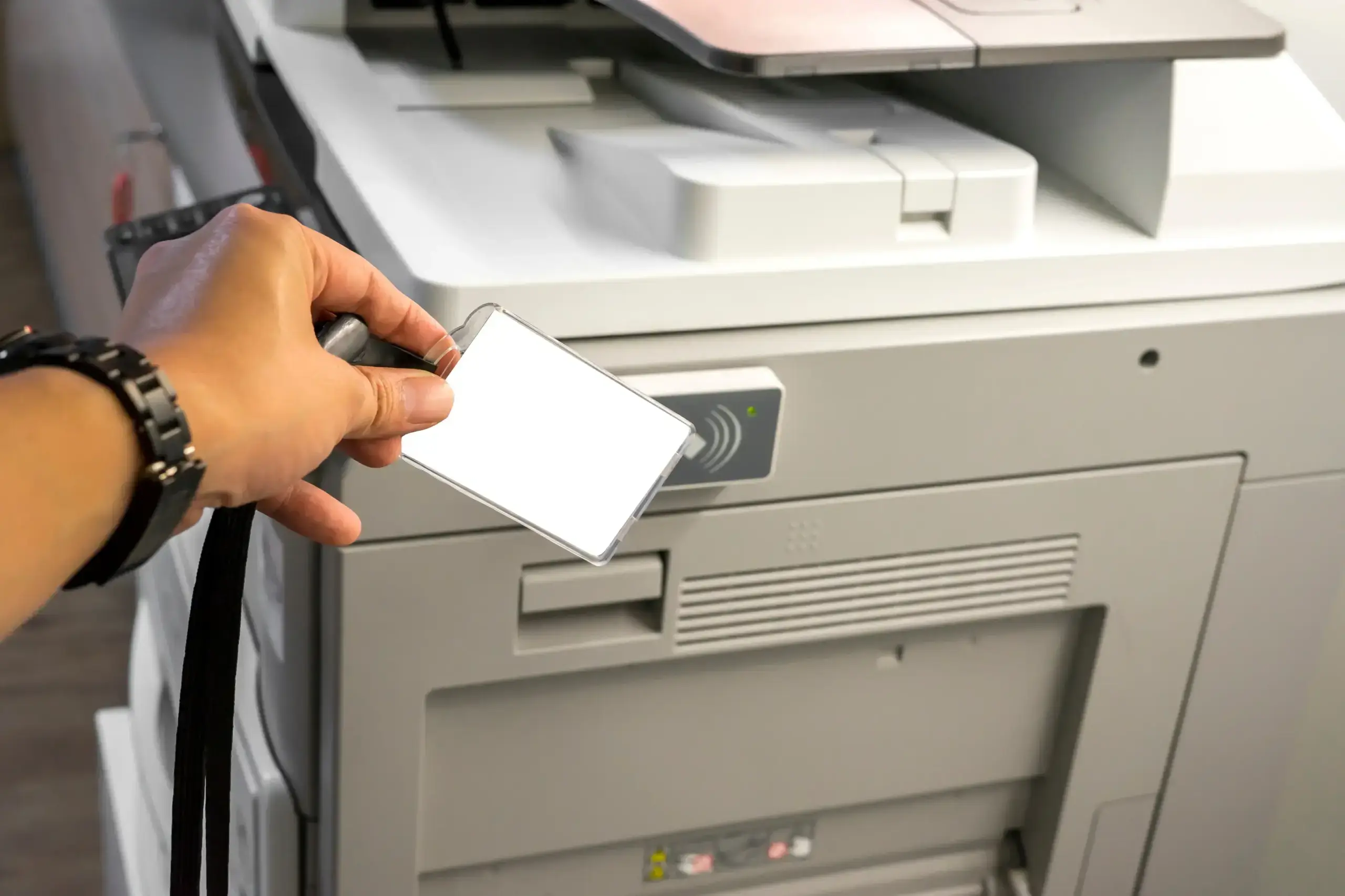
This is the fastest option in busy offices. Users tap an ID badge at the device, then select which jobs to print. It is popular in workplaces where speed matters and shared printers are common.
What it usually requires:
- A badge reader attached to the device, or built into the control panel on some models
- Badges or cards assigned to users
- A secure printing software or management layer to connect badges to user accounts
You may also hear this paired with a print release station. That is a small terminal or tablet-style station near the printer that makes it easy to release jobs, especially in environments with shared devices.
Username and password, or single sign-on
This option uses logins to confirm identity. It is often used when compliance and auditing matter, since it ties printing directly to user accounts and can enforce stronger controls.
What it usually requires:
- User accounts that can be managed centrally
- Configuration to match your environment, such as directory integration in many offices
- Optional rules, like restricting color printing or limiting access by department
Mobile or app-based release
This setup is useful in flexible workplaces, such as shared spaces or hybrid environments. Users send jobs, then release them from a phone or workstation when they are standing at the device.
What it usually requires:
- A compatible secure printing solution
- A defined workflow so users know where jobs go and how long they are held
No matter which method you choose, the key decisions are how users will authenticate, how jobs are held and released, and how much visibility you need for reporting and cost control.
Who Needs Secure Print Most
Secure print can benefit almost any office with shared devices, but it tends to matter most in environments where privacy, accountability, and consistency are non-negotiable.
- Healthcare where patient information should not be left unattended
- Legal offices handling confidential documents and case materials
- Accounting and finance teams printing tax, payroll, and financial records
- HR departments managing employee forms and sensitive communication
- Schools and administrative offices printing student and staff records
- Any business with shared printers in open offices, front desks, or common areas
If your team prints sensitive documents even occasionally, secure print is one of the simplest ways to reduce the chance of an accidental exposure.
Secure Print vs Device Security
Secure print protects what comes out of the printer. It’s a big step forward for privacy and day-to-day control, but it does not replace device and network security.
Printers are still network-connected computers. They still need the basics, like strong admin passwords, firmware updates, encrypted communication, and proper user access controls. If your office prints sensitive information, secure print should be part of a bigger approach that also protects the device itself and the network it connects to.
Where Most Offices Get Stuck With Secure Print
Secure print is straightforward in concept. Getting it configured cleanly across real offices, real users, and real security requirements is where most teams need support. Printing security and compliance can get complicated fast, especially across multiple devices and locations. Harris Business Machines can help you evaluate your current setup, recommend the right secure print approach, and support the print fleet management and device security measures that keep your environment reliable and protected.
Want help setting up secure print the right way?
Get guidance on secure print, print fleet management, and device and network security.
Talk to a Print Security Specialist
Related Articles