HBM | July 13, 2026
Choosing between a copier and a printer can feel confusing, especially now that many office machines can print, copy, scan, email, and store documents. While the terms are sometimes used interchangeably, a copier and a printer are not always the same thing.
For many businesses, the right choice comes down to how often your team prints, how many copies you make, what document features you need, and how much you want to control long-term printing costs.
In this guide, we’ll break down the difference between a copier and a printer, when each option makes sense, and how to decide which one is the better fit for your office.
For businesses ready to compare equipment options, Harris Business Machines offers a full selection of commercial printers and copiers for small offices, large workgroups, and high-volume business environments.
What Is the Difference Between a Copier and a Printer?
The main difference between a copier and a printer is how each machine is designed to handle documents.
A printer is primarily designed to produce documents from a computer, phone, tablet, or network. It takes a digital file and turns it into a printed page.
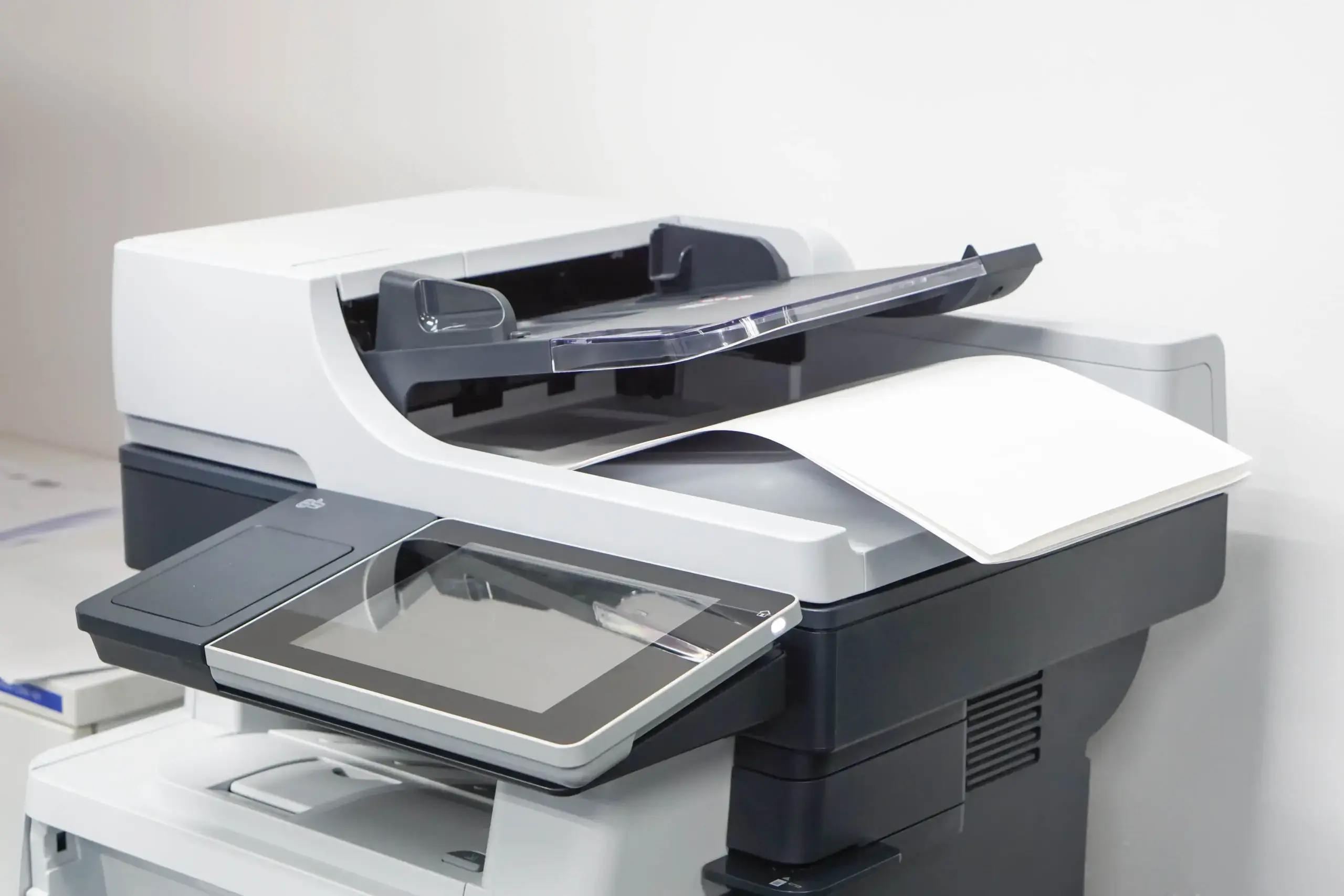
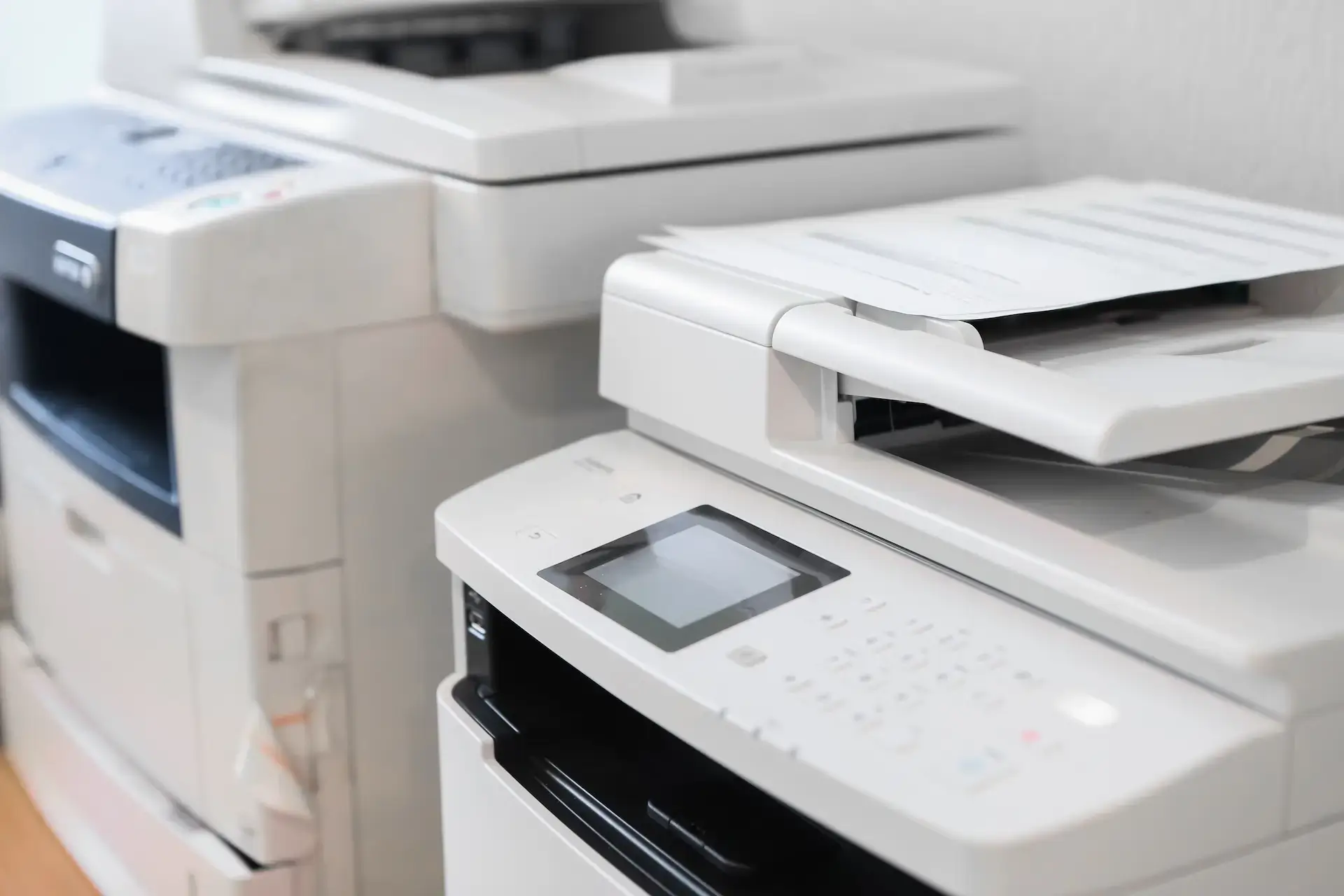
A copier is primarily designed to duplicate physical documents. You place a document on the glass or in the document feeder, and the copier creates one or more copies. Modern copiers often include printing, scanning, faxing, and document management features, which is why many are called multifunction printers or multifunction copiers.
In simple terms:
| Feature | Printer | Copier |
| Main purpose | Prints digital files | Copies physical documents |
| Best for | Everyday document printing | Repeated copying and office workflows |
| Common size | Desktop or workgroup device | Larger office machine |
| Speed | Varies by model | Often built for higher volume |
| Scanning | Available on some models | Common on multifunction copiers |
| Finishing options | Limited on many models | May include stapling, sorting, hole punching, or booklet features |
| Best fit | Small teams or lower print volume | Offices with regular copying, scanning, and higher document volume |
Copier vs Printer: Quick Decision Guide
If your team mostly prints documents from computers and only occasionally needs copies, a printer may be enough.
If your team regularly copies documents, scans paperwork, shares files, prints in higher volume, or needs advanced finishing options, a copier or multifunction printer is usually the better long-term fit.
Here’s a simple way to think about it:
| Your Office Needs | Better Fit |
| Occasional document printing | Printer |
| Regular copying of physical documents | Copier |
| A small team with light print needs | Printer |
| A busy office with multiple employees printing and copying | Copier or multifunction printer |
| Scanning documents to email or cloud storage | Multifunction copier or multifunction printer |
| Stapling, sorting, booklet making, or finishing | Copier |
| Lower upfront equipment needs | Printer |
| Better long-term control over print volume and costs | Copier or managed print setup |
When a Printer Makes More Sense
A printer may be the right choice if your business has simple printing needs. This is common for small offices, remote workstations, or teams that do not print in high volume.
A printer may be a good fit if:
- Your team mostly prints documents from computers.
- You do not make many physical copies.
- Your monthly print volume is relatively low.
- You do not need advanced finishing features.
- You only need basic black-and-white or color printing.
- You have limited office space.
Desktop printers and smaller workgroup printers can be a practical option for businesses that need dependable everyday printing without the size or capabilities of a larger copier.
However, printers can become less efficient if your business grows, your team starts printing more often, or you need better control over supplies, maintenance, and cost per page.
When a Copier Makes More Sense
A copier is usually the better choice for businesses that handle a larger amount of paperwork or need more than basic printing.
A copier may be a good fit if:
- Your team makes copies often.
- Multiple employees use the same device.
- Your office prints or copies a high number of pages each month.
- You need scanning, emailing, or document storage features.
- You need finishing options like stapling, sorting, or booklet creation.
- You want better tracking and control over print usage.
- You want a machine designed for a business office environment.
Modern copiers are often multifunction devices, which means they can print, copy, scan, and support more advanced workflows from one central machine. These machines are especially useful for medical offices, law firms, schools, accounting firms, real estate offices, government offices, and other businesses that manage frequent paperwork.
Harris Business Machines offers black-and-white multifunctional copiers and commercial printer options designed for both small and large work environments.
What About Multifunction Printers?
A multifunction printer, often called an MFP, combines multiple office functions into one machine. Depending on the model, an MFP may print, copy, scan, fax, email documents, connect to cloud storage, and support secure printing.
This is where the difference between a copier and printer can get blurry. Many modern office copiers are technically multifunction printers, and many multifunction printers can act like copiers.
The better question is not always, “Do I need a copier or a printer?” Instead, it may be, “What level of office document support does my business need?”
For example, a small desktop multifunction printer may be enough for a team of two or three people. A larger office with multiple departments may need a more advanced multifunction copier that can handle heavier use, stronger security, and more complex workflows.
HBM carries Canon multifunction printers built to support office productivity, security, and flexible document workflows.
Copier vs Printer Cost Considerations
The cost difference between a copier and printer is not just about the purchase price.
A basic printer may cost less upfront, but the long-term cost can increase if your team prints frequently, replaces ink or toner often, or runs into maintenance issues. In some offices, using several small printers can become more expensive and harder to manage than using one properly selected multifunction copier.
When comparing costs, consider:
- Upfront equipment cost.
- Ink or toner replacement costs.
- Cost per printed page.
- Maintenance and service needs.
- Print volume.
- Employee downtime when equipment fails.
- Whether the equipment can grow with your office.
If your business prints often, a copier or managed print solution may provide better long-term value because it can help reduce waste, improve supply tracking, and keep your office equipment better maintained.
HBM’s Managed Print Services can help businesses monitor usage, control printing costs, and manage supplies more efficiently.
Leasing vs Buying a Copier or Printer
Another important factor is whether your business should lease or buy office equipment.
Buying may make sense if you want to own the equipment outright and your needs are unlikely to change soon. Leasing may be a better fit if you want predictable payments, updated technology, service support, or more flexibility as your business grows.
Leasing is often popular for copiers and multifunction printers because these machines are larger investments and may require ongoing service, supplies, and support.
If you are not sure which option is best, it helps to look at your print volume, budget, office size, and how long you expect to use the equipment.
Real-World Examples
Small Office With Basic Printing Needs
A small office that prints invoices, forms, and occasional reports may only need a dependable printer or smaller multifunction printer. If copying is rare and print volume is low, a larger copier may be more than the office needs.
Medical or Legal Office With Heavy Paperwork
A medical office, legal office, or accounting firm may need a copier or multifunction printer that can handle frequent copying, scanning, secure document handling, and multiple users throughout the day.
In this case, a larger office copier may save time and help keep document workflows more organized.
School or Administrative Office
Schools and administrative offices often need higher print volume, scanning, forms, packets, and secure document management. A multifunction copier may be a stronger choice because it can support multiple departments and higher daily use.
HBM also provides advanced document and printing solutions for schools that help support efficiency, security, and document workflows.
Business With Several Small Printers
Some offices start with several desktop printers spread across departments. Over time, this can become difficult to manage because each printer may require different supplies, maintenance, and troubleshooting.
In this case, a managed print review may help determine whether a centralized copier, multifunction printer, or print fleet adjustment would be more efficient.
Questions to Ask Before Choosing a Copier or Printer
Before choosing office equipment, ask:
- How many people will use the machine?
- How many pages does our team print or copy each month?
- Do we need color printing, black-and-white printing, or both?
- Do we need scanning, faxing, or scan-to-email features?
- Do we need secure printing or user access controls?
- Do we need finishing options like stapling, sorting, or booklet making?
- Are we spending too much on ink, toner, or maintenance?
- Do we need one central machine or several smaller devices?
- Would leasing or buying make more sense for our budget?
The answers to these questions can help narrow down whether your business needs a printer, copier, multifunction printer, or managed print solution.
Can a Printer Do What a Copier Does?
Some printers can copy, but not all printers are designed to function as true office copiers.
A basic printer may only print documents. A multifunction printer may copy, scan, and fax in addition to printing. However, a larger business copier is usually built for heavier use, faster output, larger paper capacity, and more advanced office workflows.
So while some printers can copy, that does not always mean they are the right replacement for a business copier.
Is a Copier the Same as a Printer?
Not exactly.
A copier and a printer can overlap, especially when you are looking at modern multifunction devices. However, a printer is usually focused on printing digital files, while a copier is built around duplicating documents and supporting more office-wide document workflows.
For many businesses, the best option is not a basic printer or a traditional copier. It is a multifunction device that combines printing, copying, scanning, and workflow tools into one reliable office solution.
Which One Is Best for Your Business?
The right choice depends on how your office works.
A printer may be enough if your team has light, simple printing needs. A copier or multifunction printer may be better if your business handles higher volumes, frequent copying, scanning, multiple users, or more advanced document workflows.
If you are unsure, Harris Business Machines can help you compare options and find a solution that fits your team’s workload, budget, and long-term needs.
Explore HBM’s commercial printers and copiers, browse our office technology products, or contact Harris Business Machines to talk with an office equipment expert.
Copier vs Printer FAQs
What is the main difference between a copier and a printer?
A printer is mainly designed to print digital files from a computer or device. A copier is mainly designed to duplicate physical documents. Many modern office machines combine both functions, along with scanning and other document tools.
Is a copier better than a printer?
A copier is better for offices that make frequent copies, handle higher print volume, or need advanced document features. A printer may be better for smaller teams with basic printing needs.
Can a printer be used as a copier?
Some printers can be used as copiers if they are multifunction printers. However, a basic printer without scanning or copying features cannot copy documents on its own.
What is a multifunction printer?
A multifunction printer is a device that can handle several office tasks, such as printing, copying, scanning, and sometimes faxing. Many modern office copiers are also multifunction printers.
Should my business lease or buy a copier?
Leasing may be a good option if your business wants predictable payments, service support, and flexibility to upgrade equipment. Buying may work better if you prefer to own the equipment outright and your needs are unlikely to change.
How do I know what size copier or printer my office needs?
Start by looking at how many people will use the machine, how many pages you print or copy each month, whether you need color, and whether your team needs scanning, security, or finishing features. A professional print assessment can also help identify the right fit.
Related Articles