HBM | July 22, 2026

When Finding One Document Becomes an Office-Wide Problem
A missing document rarely stays a small problem. An employee spends time searching through folders, someone emails another copy, a manager reviews the wrong version, and a simple approval gets pushed to the next day. Multiply that process across invoices, contracts, personnel files, customer records, and forms, and disorganized information can slow down an entire business.
Document management gives businesses a more reliable way to capture, organize, share, and protect information. The right approach makes documents easier to find while helping employees follow consistent workflows from the moment a file enters the organization until it is archived or disposed of.
What Is Document Management for Businesses?
Document management is the process of controlling how business documents are created, captured, organized, accessed, shared, updated, and stored. It can include scanned paper records, digital forms, invoices, contracts, emails, reports, images, and other files employees use every day.
A document management system brings those materials into an organized digital environment. Rather than depending on filing cabinets, individual inboxes, or inconsistent folder names, employees can use defined processes to locate the right information and move it to the right person.
How Does Document Management Work?
A document management solution can support the full life cycle of a file. Although every business has different needs, the process typically includes a few core stages.
Capture Paper and Digital Documents
Information can enter a business in many forms. A customer may submit a digital form, a vendor may email an invoice, or an employee may scan a signed document using an office copier or scanner.
Document capture brings that information into a managed system so it can be handled consistently. Businesses that still rely heavily on paper can use business scanners or multifunction devices to convert physical records into searchable digital files.
Organize Files With Consistent Information
Once a document is captured, it can be categorized using details such as a customer name, invoice number, date, department, document type, or project. This makes the file easier to locate without relying on one employee to remember where it was saved.
Consistent organization also reduces duplicates and helps prevent documents from being scattered across desktops, shared drives, email inboxes, and filing cabinets.
Find and Access the Right Version
Advanced search tools can help authorized employees locate documents using keywords, dates, tags, or other identifying information. Version controls can also reduce confusion by showing which document is current and how it has changed.
Faster access matters whether employees work in the same building or across several locations. Instead of waiting for someone to return to the office or search a physical file room, employees can retrieve the information they are authorized to use when they need it.
Route Documents Through Repeatable Workflows
Many documents follow the same steps every time. An invoice may need to move from a department manager to accounting. A contract may require review, revision, and approval. A personnel form may need to reach human resources before it is stored.
Document workflows can route files through those steps in a consistent order. Notifications, status tracking, and defined approvals help keep work moving and make it easier to see where a process has stalled.
Share Information More Securely
Emailing attachments back and forth can create duplicate files and make it difficult to know who has the latest version. It may also send sensitive information to people who should not have access.
Document management can give employees, customers, or outside partners controlled access to the information they need. HBM’s document management solutions can support secure internal and external document workflows without tying the business to a single way of working.
Protect, Track, and Retain Business Records
Not every employee should have access to every document. Permission settings can limit files by user, department, or role, while activity tracking can provide a record of who viewed, changed, printed, or shared information.
Retention and backup practices can also help protect files from accidental deletion, physical damage, or inconsistent storage. These controls are especially important for businesses that handle financial information, employee records, legal documents, or other confidential materials.
Common Document Problems and How Management Helps
The value of document management is easiest to see through the daily problems it can solve.
| Common Problem | How Document Management Can Help |
| Employees cannot find the correct file | Searchable indexing and consistent categories make retrieval faster. |
| Several versions of the same document exist | Version tracking helps employees identify the current file. |
| Approvals are delayed | Automated routing and notifications keep documents moving. |
| Sensitive files are shared too broadly | User permissions limit access to authorized people. |
| Paper records take up too much space | Scanning converts physical files into organized digital records. |
| No one knows where a process stopped | Workflow tracking shows a document’s status and next step. |
| Remote employees cannot access office files | Secure digital access supports work across locations. |
How Different Departments Can Use Document Management
Document management is not limited to one industry or type of file. It can be tailored around the processes each department already uses.
Accounting and Finance
Accounting teams can organize invoices, purchase orders, receipts, statements, and approval records. Instead of tracking down paperwork or searching email chains, employees can connect related documents and see where an invoice is in the approval process.
Human Resources
HR departments manage applications, onboarding forms, policy acknowledgments, benefits information, and other confidential employee records. Controlled access and consistent retention practices can help keep those documents organized while limiting unnecessary exposure.
Healthcare Offices
Healthcare organizations handle forms, records, billing documents, and sensitive patient information. A structured document workflow can reduce the movement of unsecured paper while helping authorized employees access the records required for their work. HBM also provides office technology solutions for healthcare with security and productivity in mind.
Legal and Professional Services
Legal offices and professional service firms often need to locate contracts, case files, correspondence, and supporting records quickly. Search, version history, and access controls can help teams collaborate without losing track of the official document.
Schools and Government Offices
Schools and public agencies may manage applications, student or employee records, meeting documents, forms, and approvals across multiple departments. Document management can make these processes more consistent and reduce the time spent moving paper between offices.
Signs Your Business May Need Better Document Management
Many organizations adapt to document problems one workaround at a time. Over time, those workarounds become a normal but inefficient part of the day.
Your business may benefit from a document management review if:
- Employees frequently ask one another where files are stored.
- Important information is kept in individual email inboxes or on local desktops.
- Multiple versions of the same document create confusion.
- Paper files are taking over valuable office space.
- Approvals depend on manually forwarding emails or physical folders.
- Remote or multi-location employees struggle to access records.
- Confidential documents are available to more people than necessary.
- The business has no consistent way to track document changes or activity.
- Staff members spend too much time scanning, naming, filing, or re-entering information.
What Should a Business Look for in a Document Management Solution?
The strongest solution is the one that fits the way the business needs to work. A small office may need simple scanning, search, and access controls, while an organization with several departments may need more advanced routing, reporting, and permissions.
Before choosing a system, consider whether it can support:
- The document types your team uses most often.
- Easy scanning and digital document capture.
- Search based on names, dates, keywords, or document details.
- User-level access and security controls.
- Version tracking and activity history.
- Repeatable approval and distribution workflows.
- Secure access for employees in different locations.
- Integration with your existing office equipment and processes.
- Growth as your document volume, staff, or locations increase.
How Office Equipment Fits Into Document Management
Document management is not only a software decision. The printers, copiers, and scanners employees use are often the starting point for capturing and routing information.
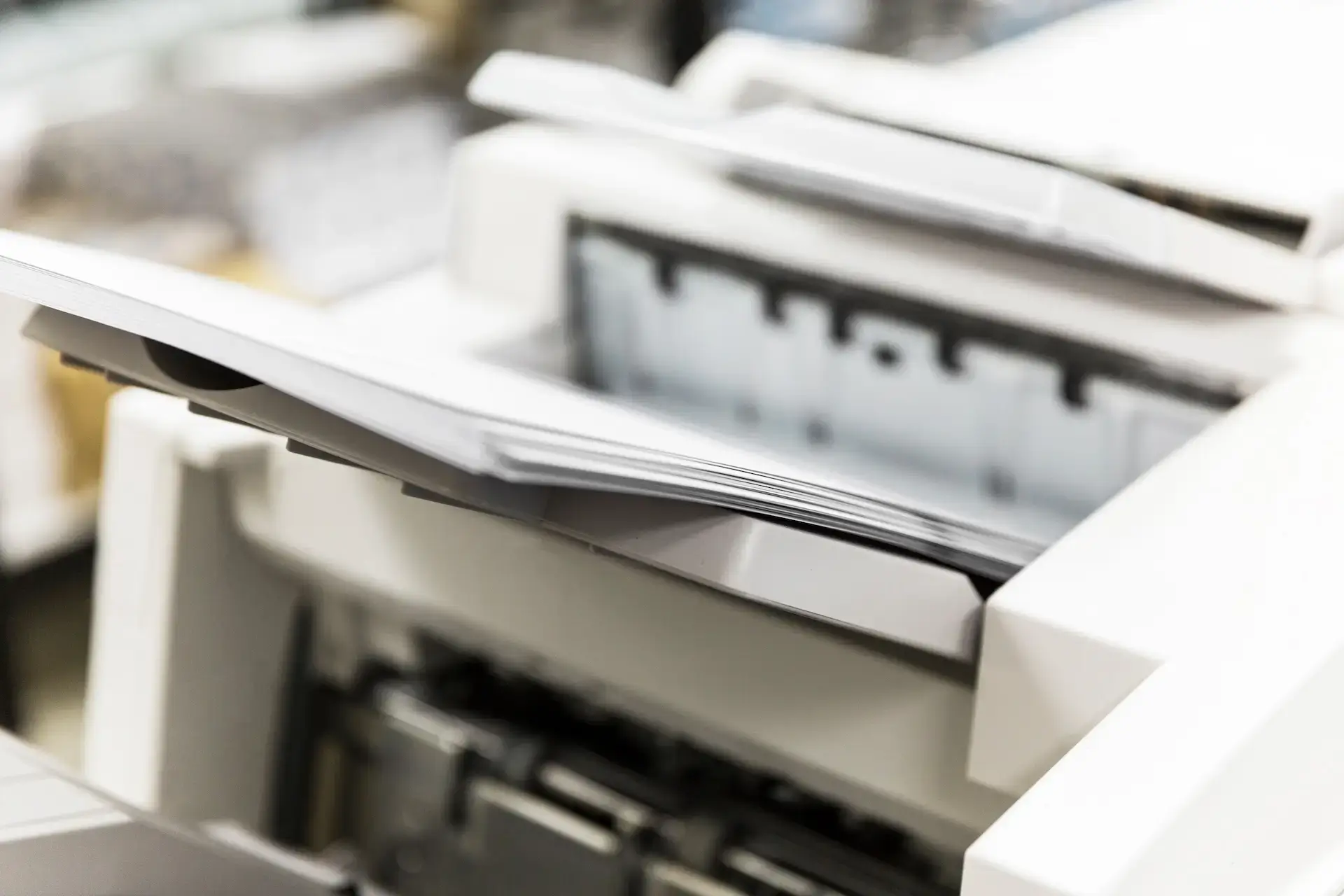
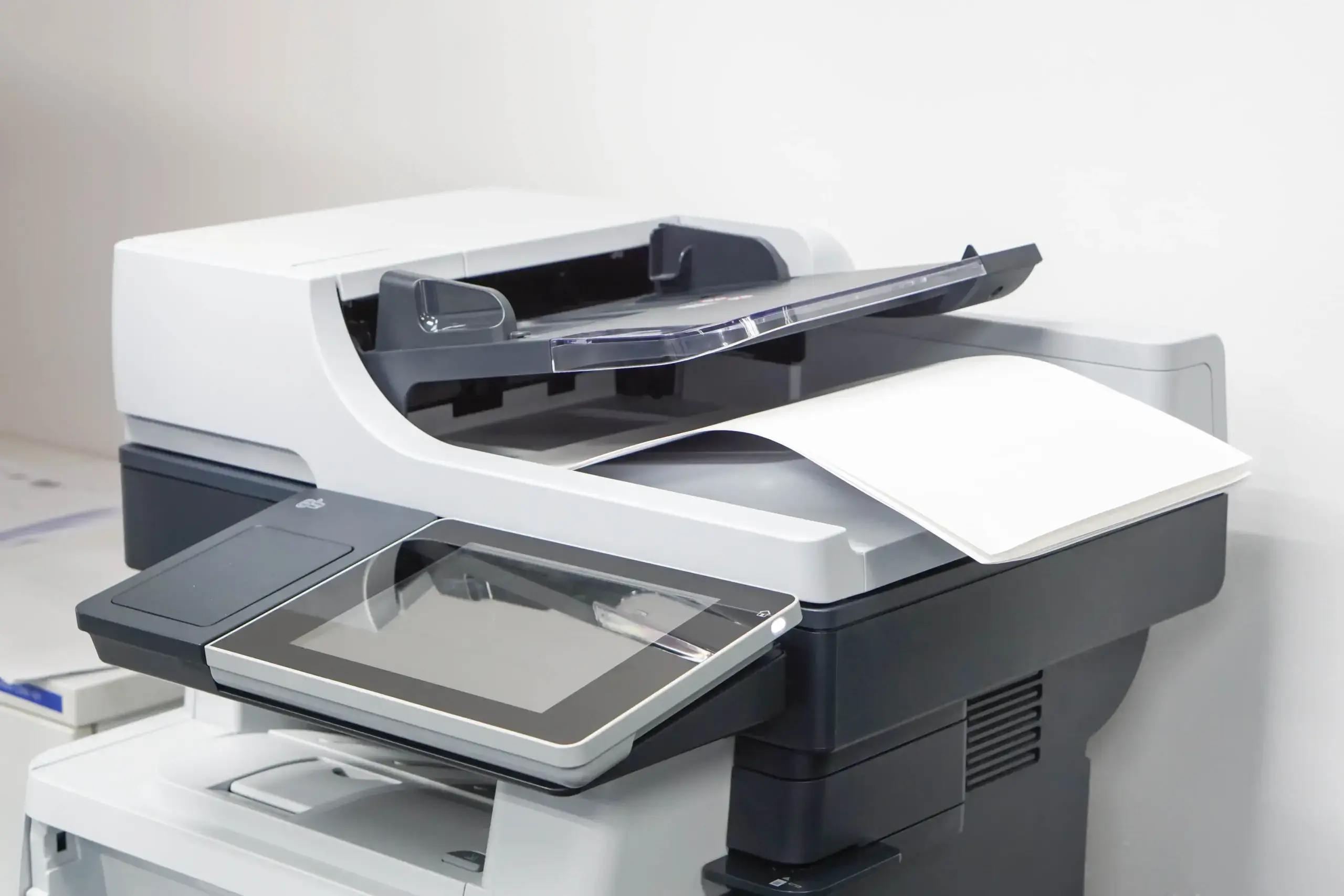
A properly configured multifunction printer or copier can scan a document into the correct workflow, send it to an approved destination, and reduce the number of manual steps employees need to complete. Matching the technology to the workflow helps create a system employees can use consistently instead of another process they work around.
Document Management FAQs
Is Document Management the Same as Cloud Storage?
No. Cloud storage provides a place to save files, but document management adds structure around how documents are categorized, searched, shared, updated, approved, tracked, and retained. Storage may be part of the solution, but it is not the entire process.
Can Document Management Work With Existing Printers and Copiers?
In many cases, yes. Compatibility depends on the equipment and the capabilities the business needs. An assessment can determine how existing devices may support scanning, routing, authentication, and other document workflows.
Is Document Management Only for Paper-Heavy Offices?
No. Businesses with mostly digital files can still struggle with duplicate documents, inconsistent folders, slow approvals, and uncontrolled access. Document management helps organize information regardless of whether it began on paper or in a digital format.
Can a Small Business Benefit From Document Management?
Yes. Small businesses often have fewer employees managing more responsibilities, so time spent searching for files or following up on approvals can have a noticeable impact. A right-sized solution can improve organization without adding unnecessary complexity.
Build a Better Document Workflow With Harris Business Machines
Documents should help employees complete their work, not create another obstacle. A thoughtful document management strategy can make information easier to find, move approvals forward, improve collaboration, and protect files throughout their life cycle.
Harris Business Machines helps businesses across Northwest Florida, South Alabama, and Southern Mississippi connect office equipment with practical digital workflows. Explore HBM’s document management solutions or contact our team to discuss the places where documents are slowing your business down.
Related Articles