HBM | October 2, 2026
Production Printing Is Not Just for Print Shops
Production printers are often associated with commercial print shops, but they can also be valuable for businesses, schools, government offices, manufacturers, marketing departments, and other organizations that regularly produce polished materials in larger quantities.
Unlike a standard office printer or copier, a production printer is designed to handle demanding print volumes while delivering consistent quality, broader paper and media options, and professional finishing capabilities. For organizations comparing production printers in Northwest Florida, the bigger question is not simply whether the machine can print quickly. It is whether bringing more work in-house would improve cost, quality, timing, and control.
What Is a Production Printer?
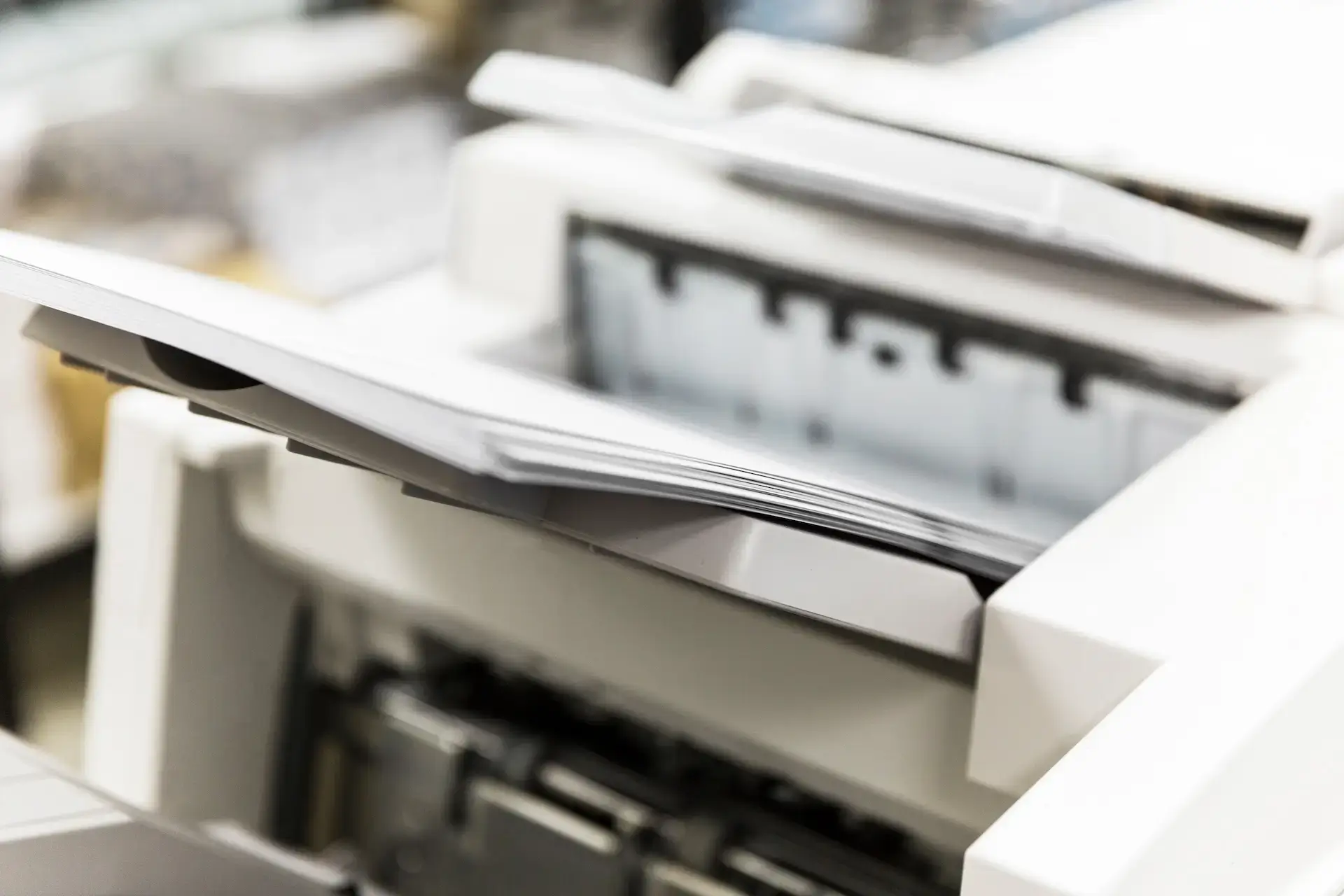
A production printer is a high-performance printing system built for larger or more complex jobs than an everyday office machine. It can produce high-quality materials at greater speeds and volumes while maintaining consistency from the first page to the last.
Depending on the equipment and configuration, a production printer may support advanced color management, heavy paper stocks, coated media, oversized sheets, booklet making, folding, stapling, binding, cutting, or other finishing functions. These capabilities allow an organization to create professional materials without sending every job to an outside print provider.
HBM offers production printers and related solutions for organizations with needs ranging from occasional specialty projects to consistent, high-volume production.
How Is a Production Printer Different From an Office Copier?
A modern multifunction copier can print, copy, scan, and route documents efficiently for everyday office use. It is often the right choice for reports, forms, correspondence, presentations, and routine administrative work.
A production printer is built for heavier workloads and more demanding finished products. It generally offers stronger control over image quality, media handling, color consistency, output speed, and finishing. The difference becomes especially important when a business needs hundreds or thousands of pieces to look uniform and professional.
Office Copier vs. Production Printer
| Consideration | Office copier | Production printer |
| Primary use | Everyday office documents | High-volume or specialty materials |
| Print volume | Low to moderate | Moderate to very high |
| Media options | Standard office paper and select specialty media | Broader paper weights, sizes, finishes, and specialty stocks |
| Color control | Suitable for general business use | Greater consistency and precision for professional materials |
| Finishing | Basic stapling or sorting on equipped models | Booklets, folding, cutting, binding, punching, and other advanced options |
| Best fit | General offices and workgroups | Print centers, marketing teams, schools, manufacturers, and high-output organizations |
Businesses that mainly produce ordinary office documents may be well served by commercial printers and copiers. Organizations producing larger quantities or more specialized materials may benefit from stepping up to production equipment.
What Can a Business Print In-House?
Production equipment can support far more than basic copies. The right system may allow a business to produce:
- Brochures, flyers, postcards, and sales materials.
- Training manuals, employee handbooks, and instructional guides.
- Booklets, catalogs, newsletters, and event programs.
- Business cards, letterhead, envelopes, and branded materials.
- Product sheets, technical documents, and customer packets.
- Educational materials, course packets, and testing documents.
- Short-run promotional pieces that change frequently.
Organizations that also need plans, drawings, maps, signage, or oversized graphics may need to compare production equipment with a dedicated wide-format printer. The best solution depends on the finished size, required detail, media, and expected volume.
When Does In-House Printing Make Sense?
Bringing work in-house makes the most sense when an organization prints often enough for outsourcing to create ongoing costs or delays. It may also be valuable when materials change frequently, deadlines are tight, or the team needs greater control over confidential information and final quality.
The decision should be based on the entire workflow rather than the price of an individual print job. Rush charges, shipping, minimum order quantities, employee travel, discarded outdated materials, and time spent coordinating with vendors can all affect the true cost of outsourcing.
Signs Your Business May Be Ready for a Production Printer
- You regularly send brochures, manuals, booklets, or marketing materials to an outside printer.
- Rush fees and turnaround times create problems for your team.
- Materials become outdated before the full outsourced quantity is used.
- Different locations or departments need printed pieces on short notice.
- Your organization needs more control over color, quality, or confidential documents.
- Print volume has grown beyond what the current office copier handles comfortably.
- Employees are spending too much time managing outside print orders.
One sign alone may not justify a major equipment investment. When several apply, it is worth comparing the current outsourced process with an appropriately sized in-house solution.
Compare the Full Cost of Outsourcing and Printing In-House
Outsourcing can remain practical for unusual projects, extremely large runs, or specialty processes a business only needs occasionally. It also avoids the responsibility of operating and maintaining production equipment. However, the quoted price per piece does not always reflect the full expense.
When comparing the two approaches, include design changes, proofing, delivery, rush fees, minimum quantities, storage, waste, employee time, supplies, equipment service, and the value of faster turnaround. Printing smaller batches as needed can reduce waste when pricing, dates, services, regulations, or branding change frequently.
Review Color and Image Quality Requirements
Not every organization needs advanced color production. A business printing black-and-white manuals or internal documents may prioritize speed, readability, and cost per page. A marketing department producing branded collateral may care much more about accurate color, gradients, image detail, and consistency across every copy.
Use actual files and paper samples when comparing equipment. A demonstration using the organization’s own brochures, photos, charts, or technical documents provides more useful information than a generic sample designed to make every machine look impressive.
Consider Paper, Media, and Finishing Needs
Professional appearance often depends on what happens after ink or toner reaches the page. Paper weight, coating, size, folding, trimming, stapling, and binding can determine whether a finished piece feels like an ordinary office print or a polished customer-facing product.
Before selecting production equipment, list the materials currently ordered from outside vendors and note how each piece is finished. If the business produces booklets, folded mailers, manuals, catalogs, or training packets, the appropriate finishing configuration can remove several manual steps from the workflow.
Account for Service and Routine Maintenance
Production equipment becomes important quickly once deadlines and customer materials depend on it. A service plan, reliable supplies, and access to trained technicians should be part of the purchase decision from the beginning.
Local support can reduce the time spent explaining a problem to a distant provider or waiting for help. Harris Business Machines supports organizations throughout Panama City, Pensacola, Fort Walton Beach, Mobile, and surrounding communities with equipment guidance, supplies, maintenance, and printer and copier repair.
Questions to Ask Before Buying a Production Printer
Before comparing specific machines, ask:
- Which materials do we currently outsource?
- How many pieces do we produce during an average and peak month?
- Which jobs require color or exact brand consistency?
- What paper sizes, weights, and finishes do we use?
- Which finishing steps should the equipment complete automatically?
- How quickly do we need to produce revised or urgent materials?
- Who will operate the equipment and manage the workflow?
- What are we currently spending on outsourcing, shipping, rush fees, and waste?
- What service and supply support will be available after installation?
These answers help an equipment specialist recommend a system based on practical needs instead of features that may never be used.
Frequently Asked Questions About Production Printers
Does a Small Business Need a Production Printer?
Business size matters less than print volume and document type. A smaller company that frequently orders brochures, booklets, labels, manuals, or customer materials may benefit more than a larger office that prints only routine documents.
Can a Production Printer Replace an Office Copier?
Sometimes, but the devices serve different primary purposes. A production printer is designed for high-volume and specialty output, while an office copier is optimized for everyday printing, copying, and scanning. Some organizations use both so each workload goes to the most efficient device.
Can Production Printers Make Finished Booklets?
Many production systems can be configured with finishing options such as folding, stapling, trimming, punching, and booklet making. Available options vary by model, so the desired finished products should be identified before equipment is selected.
Is In-House Printing Always Less Expensive Than Outsourcing?
No. Outsourcing may remain the better choice for infrequent, highly specialized, or extremely large projects. In-house printing becomes more attractive when recurring volume, rush charges, minimum quantities, waste, and turnaround time make outside printing inefficient.
Where Can I Find Production Printers in Northwest Florida?
Harris Business Machines helps organizations across Panama City, Pensacola, Fort Walton Beach, and nearby areas evaluate production printing equipment, workflows, finishing needs, service, and supplies.
Bring More Control to Your Printing Process
A production printer should solve a real operational problem. The right system can shorten turnaround times, reduce unnecessary outsourcing, improve consistency, and give teams more control over when and how materials are produced.
If your organization is considering production printers in Northwest Florida, contact Harris Business Machines to review your current print volume, outsourced work, quality requirements, and finishing needs. Our team can help determine whether production equipment is the right investment and which configuration best fits your workflow.
Related Articles