HBM | November 4, 2026
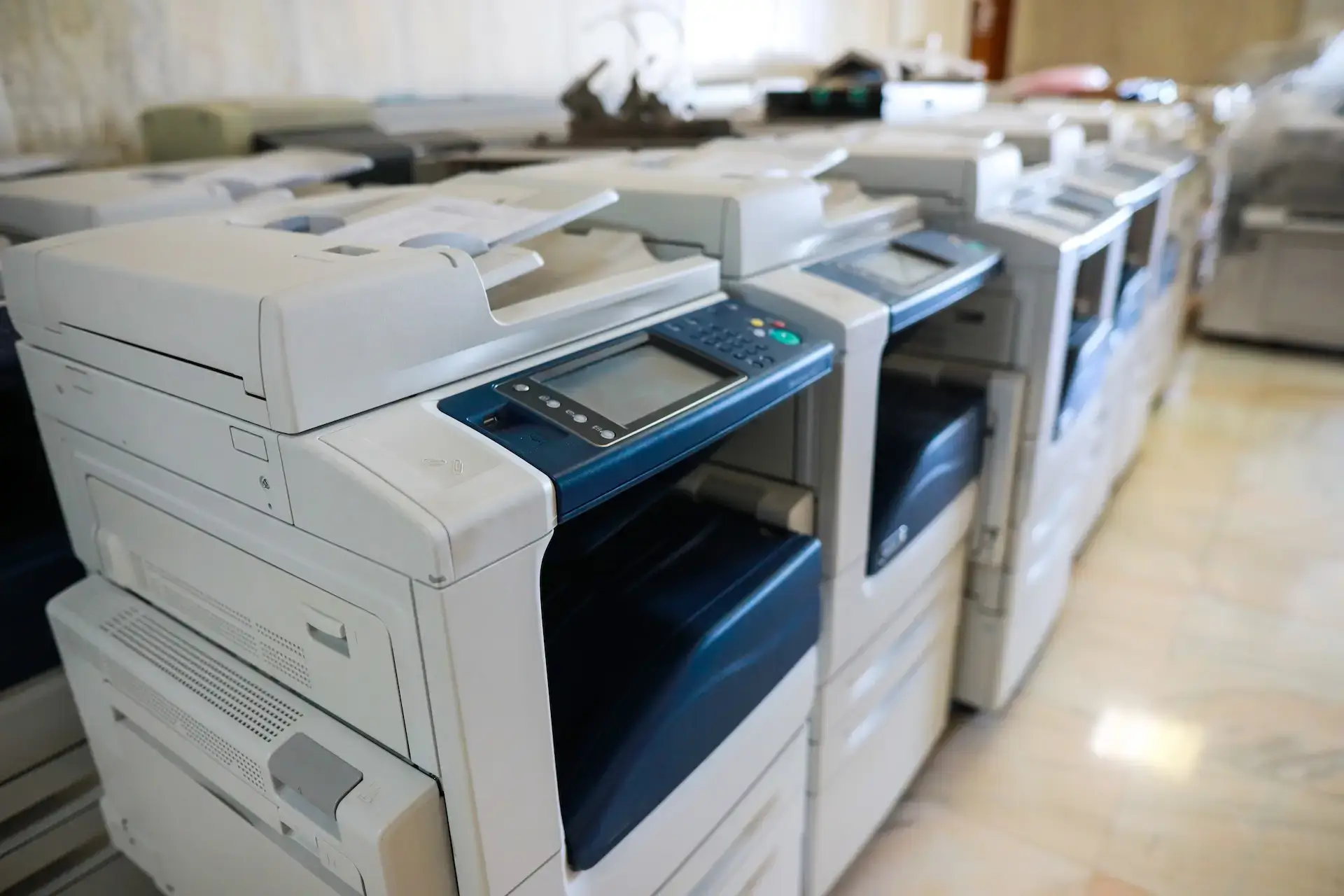
Once your business has decided to replace a copier, the next question is whether to buy new or consider a refurbished model. The right answer depends on more than the purchase price. Print volume, required features, security, serviceability, and how long you plan to keep the equipment all matter.
In a new vs refurbished copier comparison, new equipment usually offers the latest technology and the widest choice of configurations. A properly refurbished office copier can be a practical value when it has been inspected, supported, and matched to the work your team actually does. This office copier buying guide explains how to compare both options without assuming one is right for every business.
Used, Refurbished, Pre-Owned, and Lease-Return Are Not the Same
These labels are sometimes used interchangeably, but they do not always describe the same condition.
- Used equipment has had a previous owner or user. The term alone does not tell you whether the machine has been inspected, repaired, cleaned, or tested.
- Refurbished equipment has gone through a process intended to prepare it for reliable use again. That may include inspection, cleaning, repairs, replacement of worn components, testing, and configuration. Ask the seller what its process includes.
- Pre-owned equipment is a broad category that may include used or refurbished machines. A pre-owned office copier should still be evaluated based on its condition, service history, meter count, and available support.
- Lease-return equipment has come back after a lease term. Its age, usage, and condition can vary, so the fact that it was leased does not automatically make it a better or worse choice.
Harris Business Machines occasionally receives trade-ins or leased machines with minimal use. The team refurbishes and carefully inspects each unit before making it available through its pre-owned office equipment inventory. Because inventory changes, available models and configurations vary.
New vs. Refurbished Copier Comparison
| Factor | New copier | Refurbished copier |
| Upfront cost | Typically higher | Typically lower than a comparable new model |
| Model selection | Broad choice of current models and configurations | Limited to current inventory |
| Features | Latest available workflow, connectivity, and security features | Depends on the model year and configuration |
| Technology runway | Usually longer before the model becomes outdated | May be shorter, depending on age and software support |
| Condition | No previous business use | Previously used, then inspected and prepared for resale |
| Support | Confirm warranty, service, supplies, and parts terms | Confirm the refurbishment process, service plan, parts, and supplies |
| Best fit | Organizations prioritizing current technology, customization, or long-term use | Organizations seeking value with clearly defined requirements and dependable local support |
This comparison is a starting point, not a verdict. The right machine is the one that can handle your workload at a reasonable total cost while supporting the features and service levels your business needs.
When a New Copier May Be the Better Choice
A new copier is often the stronger fit when your organization needs a specific combination of speed, finishing, scanning, security, or software integration. You can choose from current commercial printers and copiers rather than limiting the search to what is available in pre-owned inventory.
New equipment may make more sense when:
- Your office has a high or growing monthly print volume.
- The copier is essential to daily operations and expected to remain in service for many years.
- Your workflow requires current cloud, mobile, document-routing, or finishing features.
- Your IT or compliance requirements call for current security capabilities and ongoing firmware support.
- You need a particular paper capacity, print speed, color quality, or configuration.
- Predictable manufacturer and service terms are more important than minimizing the initial purchase price.
A new machine can also reduce compromises during selection. That does not mean every business needs the newest or most feature-rich model. Paying for capacity or functions your team will not use can raise costs without improving the workday.
When a Refurbished Copier May Be Worth It
Is a refurbished copier worth it? It can be when the equipment comes from a reputable provider, has been carefully inspected, and still fits the way your business prints, scans, and shares documents.
Refurbished printers and copiers may be a good fit when:
- The budget favors a lower initial equipment cost.
- Print volume is moderate and unlikely to increase sharply.
- Your team needs dependable core functions rather than the latest features.
- A suitable model is available with the speed, capacity, and accessories you require.
- Local technicians can service the machine and obtain compatible parts and supplies.
- The included installation, support, and service options are clear.
The seller matters as much as the equipment. A low-priced listing with no inspection details, service history, or local support is not equivalent to a professionally refurbished machine. If downtime would disrupt customer service, billing, records, or other essential work, evaluate support before focusing on price.
Questions to Ask Before Buying Either Option
A useful used copier vs new copier decision starts with the same questions for both paths.
What Is Our Real Monthly Print Volume?
Review black-and-white and color volume, peak periods, scanning needs, and the number of employees sharing the device. If those numbers are unclear, a print audit can show which devices are busy, which are underused, and where operating costs may be hiding.
Which Features Do We Actually Use?
Make a list of required functions before comparing models. Consider duplex printing, scan-to-email, document routing, mobile printing, user authentication, secure print release, paper sizes, finishing, and accessibility. Separate must-haves from features that would be nice but rarely used.
What Will the Copier Cost to Operate?
The purchase price is only one part of ownership. Ask about toner or consumables, service, maintenance, expected replacement parts, energy use, and the effect of downtime. A lower upfront price may not be the lower-cost choice if the machine is poorly matched to your volume.
Can It Be Serviced Locally?
Confirm who will install the equipment, respond to service requests, and support network or scanning issues. Ask whether parts and supplies are readily available for the specific model. Harris Business Machines provides printer and copier repair and supports business equipment across Northwest Florida.
How Long Do We Plan to Keep It?
A business planning for several years of growth may benefit from a current model with room for higher volume and changing security needs. A stable office with straightforward requirements may find that a well-selected refurbished model provides the necessary capability without paying for unused technology.
Local Support Should Be Part of the Buying Decision
Businesses researching used copiers for sale in Northwest Florida should look beyond online price comparisons. The same applies to teams seeking pre-owned office equipment in Panama City, FL, or a refurbished copier in Pensacola, FL. Local inspection, installation, network setup, supplies, parts, and service can determine whether a machine remains useful after delivery.
Harris Business Machines serves businesses from locations in Panama City, Pensacola, and Fort Walton Beach. Its pre-owned inventory may include multifunction printers, copiers, desktop printers, scanners, production printers, and wide-format equipment from Canon, Toshiba, Kyocera, and Konica Minolta.
Compare the Equipment, Support, and Total Fit
Choose new equipment when current technology, a specific configuration, security requirements, or a longer technology runway outweigh the higher initial cost. Consider refurbished equipment when a carefully inspected machine meets your workload and feature needs, and dependable service is available.
Before deciding, document your monthly volume, must-have features, security expectations, budget, and service requirements. Then compare available new and pre-owned options on the same criteria.
Contact Harris Business Machines to ask about current pre-owned inventory or compare it with new equipment. The team can review your requirements and recommend options that fit your office instead of steering every business toward the same answer.
Related Articles